Digital stamp cards are the highest-converting customer loyalty mechanic for high-frequency retail and hospitality businesses, including specialty coffee shops, bakeries, quick-service eateries, beauty salons, and car washes.
By replacing easily lost paper punch cards with Apple Wallet and Google Wallet passes, businesses eliminate fraud, automate customer re-engagement, and support higher-frequency revisit loops through reminders and reward urgency. Outcomes vary; use the journey below as a design blueprint rather than a guaranteed lift.
1. The 5-Stage Customer Journey Blueprint
-
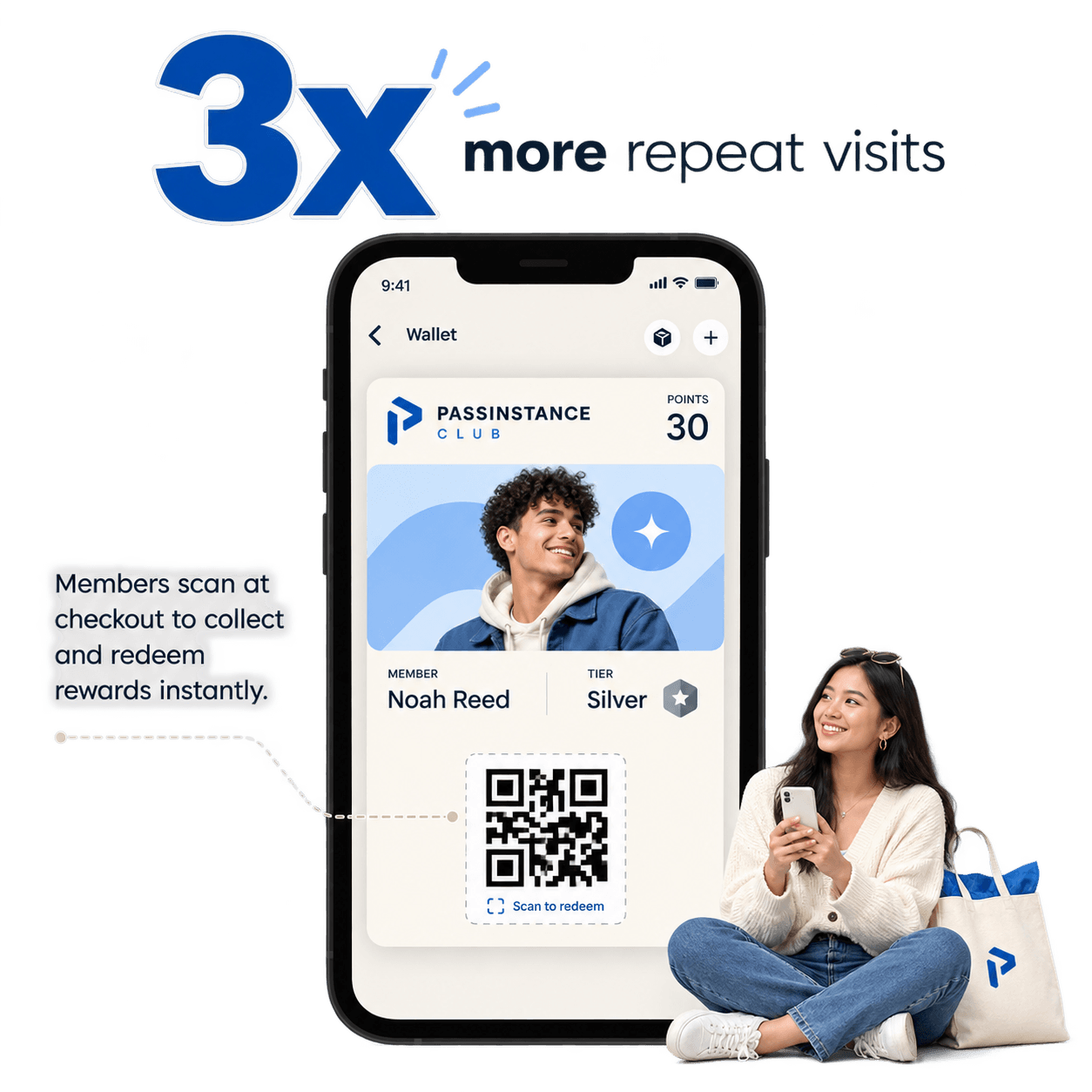
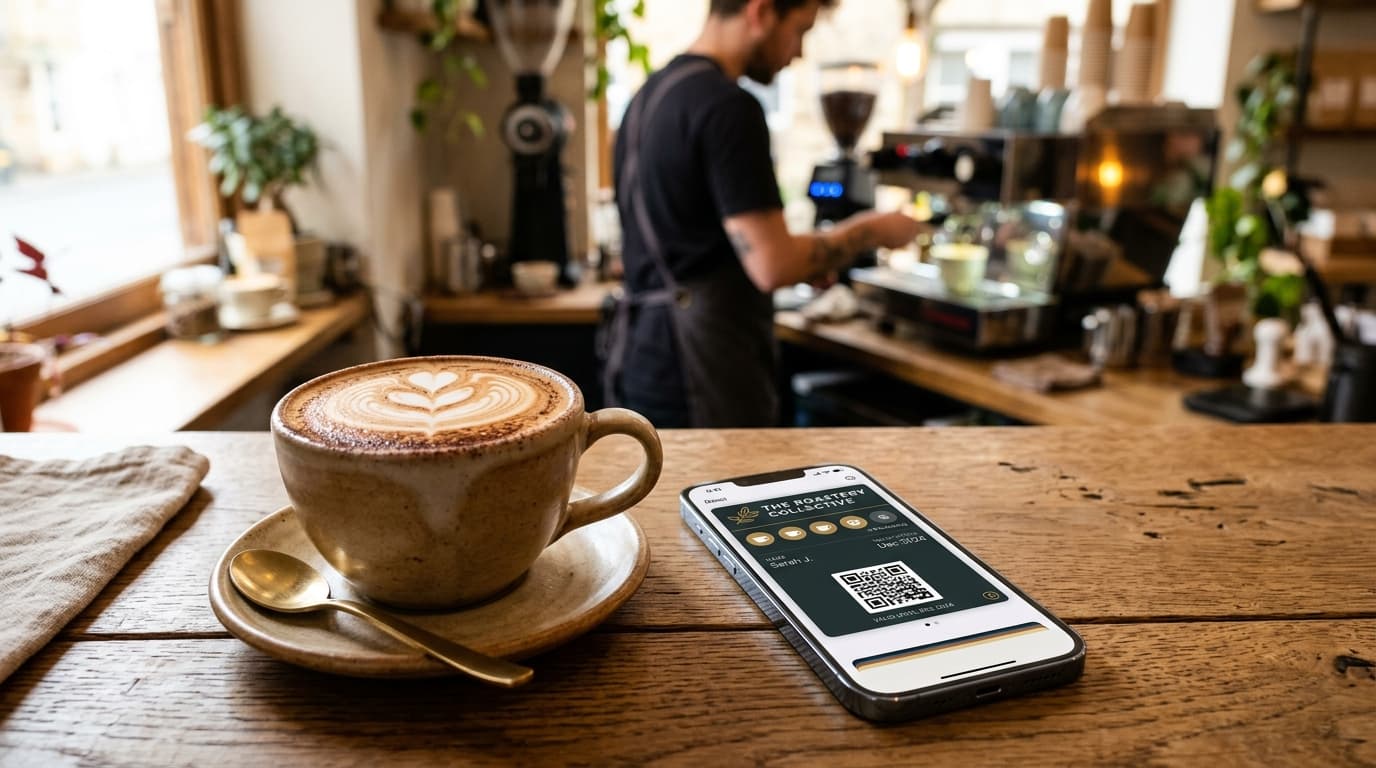
1Frictionless Acquisition: The customer scans a tabletop or counter QR code. Their mobile browser loads a responsive landing page, and with a single tap, the pass is saved to Apple Wallet or Google Wallet without requiring an app download.
-
2First Stamp Confirmation: The barista or cashier scans the pass, awarding the first stamp and triggering a pass update message when wallet notification settings permit.
-
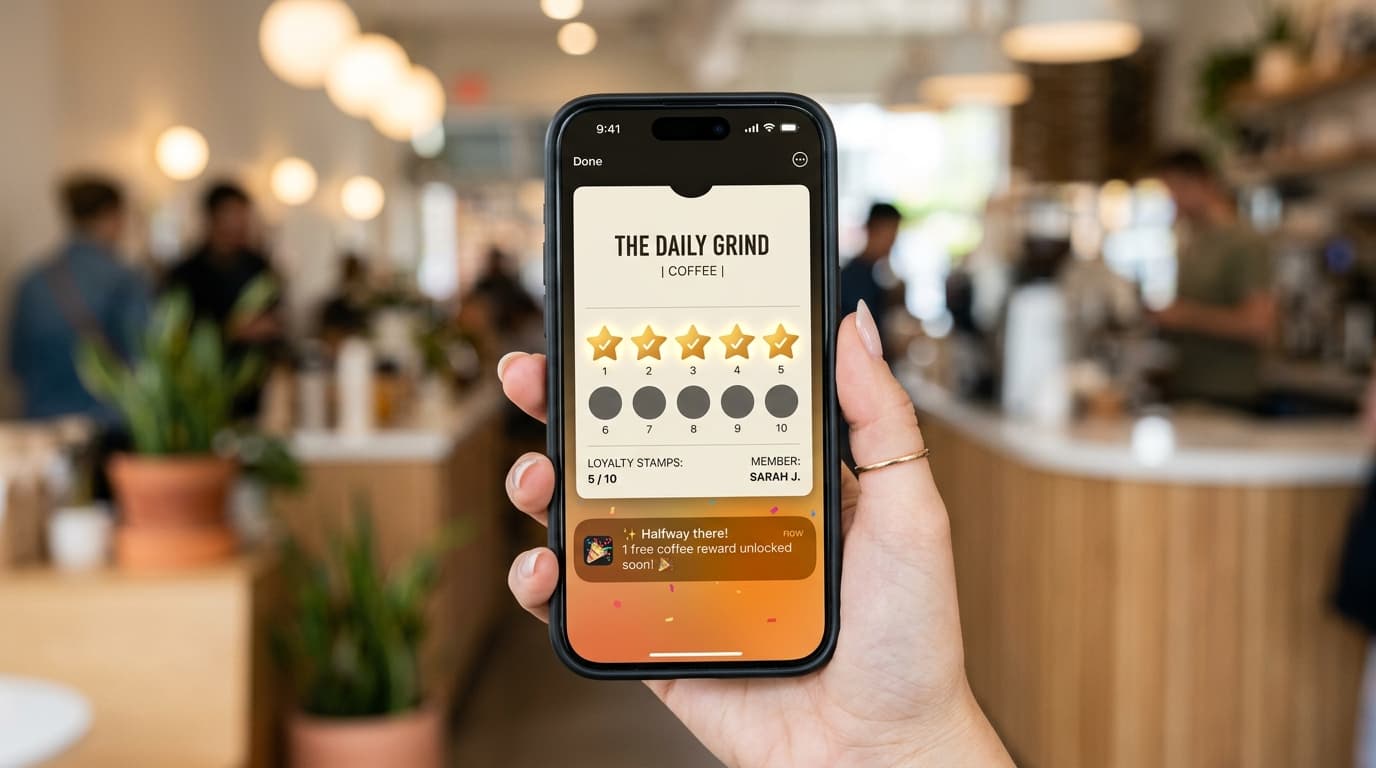
3Mid-Progress Nudge: When the customer reaches 4 out of 8 stamps, your workflow can trigger a scheduled campaign update or location-relevant cue to encourage the next visit.
-
4Imminent Reward Urgency: At 7 out of 8 stamps, an updated pass field and change message alert the customer that their reward is almost ready.
-
5Seamless Reset & Status Upgrade: Upon redeeming the 8th stamp for a free item, the card resets to 0 and can transition to a higher visual tier (e.g., Gold VIP).
2. Anti-Fraud & Validation Controls
-
Unique Per-Customer Barcode Tokens: Give each pass instance its own scannable identifier rather than reusable paper punch stamps.
-
Authenticated API Webhooks: Record stamps through authenticated POS webhooks or the Passinstance Scanner app.
-
Velocity Rate Limits (Workflow-Enforced): Configure cooldown intervals in your POS or redemption workflow (e.g., capping stamps per shift) to deter abuse.