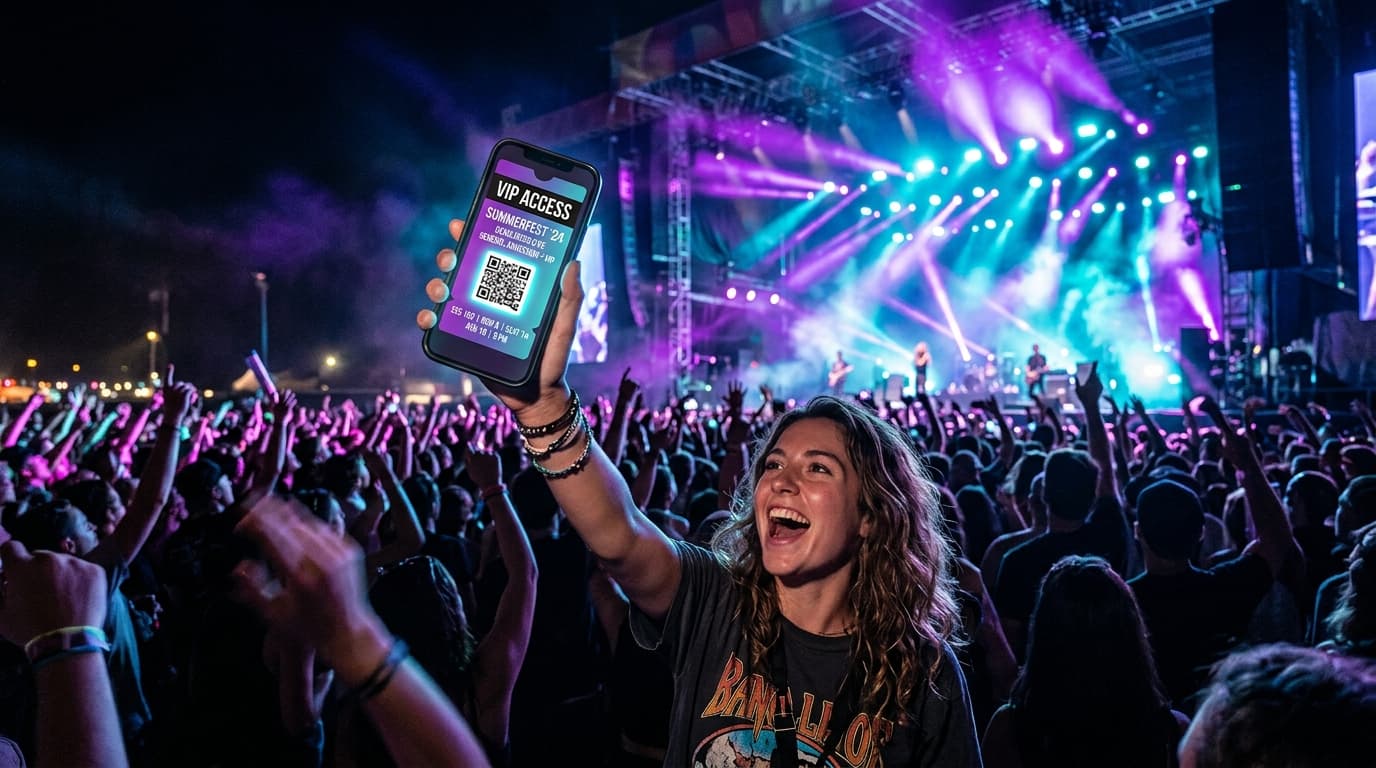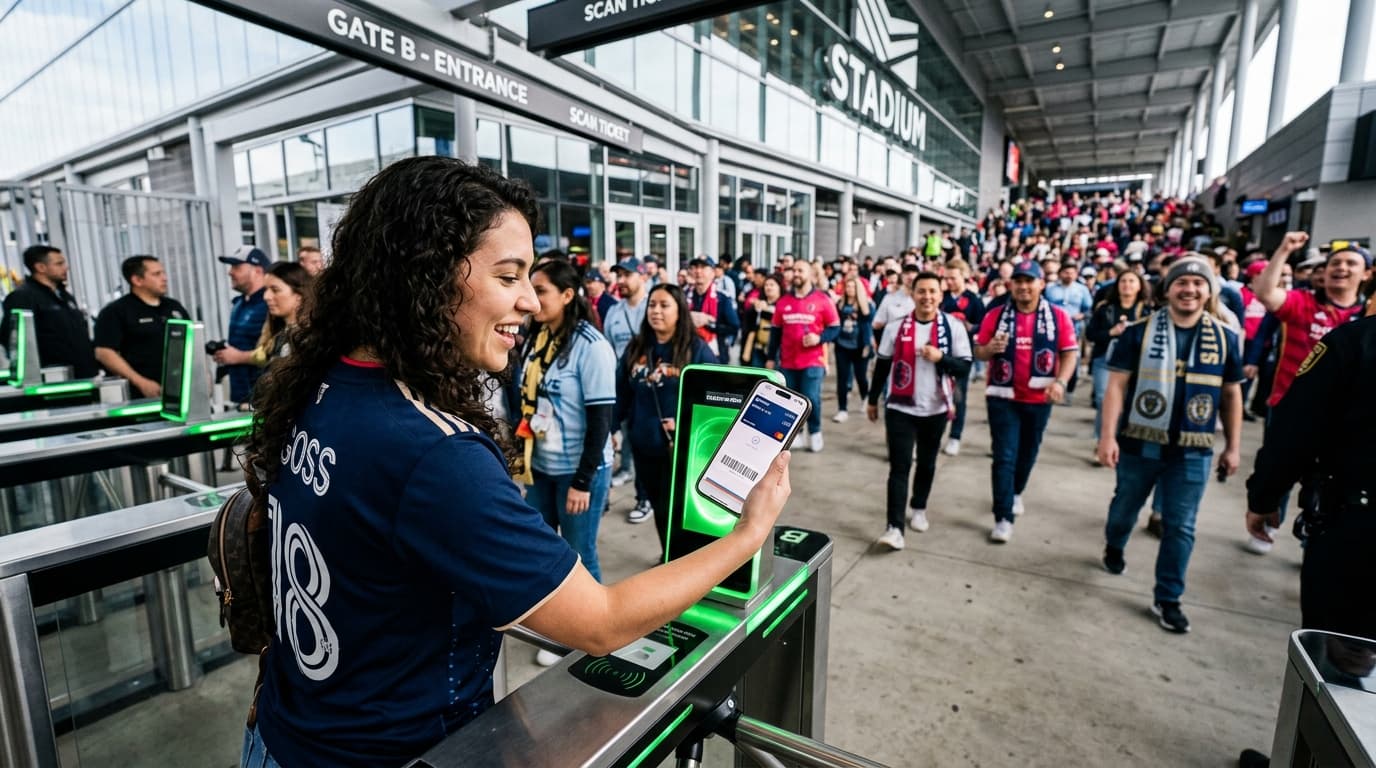
Large-scale venue operations require admission workflows that function reliably during heavy arrival waves, intermittent cellular connectivity, and screenshot duplication attempts.
This playbook outlines the barcode formats, offline dataset sync options in Passinstance Scanner, and server-side validation controls for running Apple Wallet and Google Wallet admissions cleanly.
1. Gate Admission Flow
-
1Screen Optimization: When an attendee opens Apple Wallet or Google Wallet at the gate, the native wallet boosts brightness automatically to assist 2D optical scanners.
-
22D Barcode Compatibility: High-contrast QR, Aztec, PDF417, and Code 128 barcodes integrate with mobile camera validators and standard optical turnstile readers.
-
3Online + Optional Offline Dataset Validation: When online, scanners verify status directly against your API; where configured, Passinstance Scanner downloads an offline dataset snapshot and queues scans for background synchronization during network blackouts.
-
4Remote Pass Voiding: Refunds, transfers, or flagged tickets can be voided via API so subsequent scans fail validation.
2. Core Gate Practices & Hardware Notes
-
Aztec vs. QR Codes: Aztec barcodes preserve a compact center finder pattern that helps optical imagers read cracked or smaller mobile screens.
-
Unique Pass Identifiers & Voiding: Enforce single-entry validation via server-side scan tracking and one-click pass voiding rather than relying on printed PDFs.
-
NFC Readers (Partner-Dependent): Contactless NFC tap admission via Apple VAS or Google Smart Tap requires compatible reader hardware, Apple entitlements, and dedicated account provisioning.