

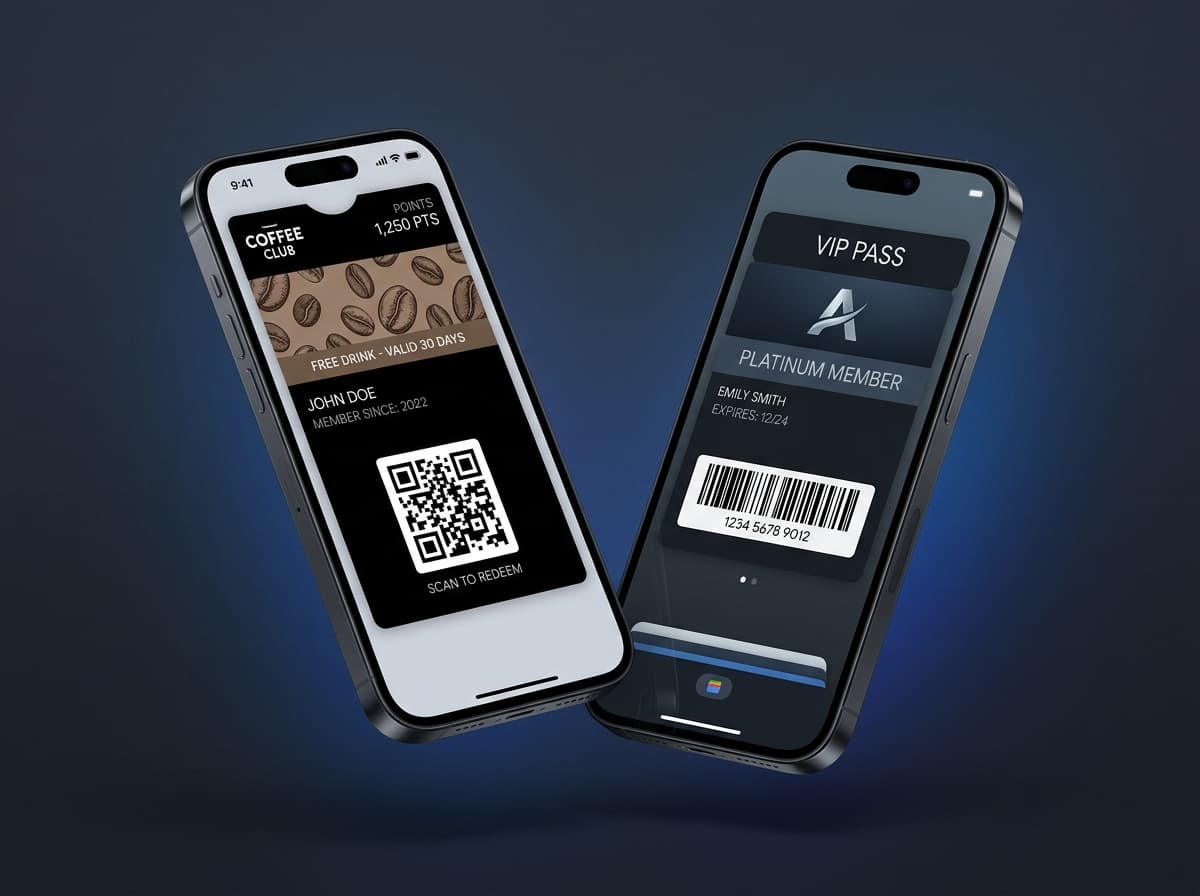
Integrating mobile wallet passes into your product architecture enables automated issuance, instant lock-screen notifications, and real-time pass lifecycle management directly from your backend, CRM, or POS system.
This guide provides an end-to-end technical overview of integrating Passinstance REST APIs, TypeScript SDKs, authentication, idempotency, and webhook event processing.
1. System Architecture & High-Level Data Flow
Your Application / Backend
              │
              ├── 1. POST /v1/passes (Issue Pass)
              ▼
   Passinstance API Engine
      ├──> Compiles PKCS#7 signed .pkpass for Apple Wallet
      └──> Generates signed JWT Save Link for Google Wallet
              │
              ├── 2. Deliver via QR / Link / Email / SMS
              ▼
     Customer Device (iOS / Android)
              │
              ├── 3. User installs pass into Wallet
              ▼
    Passinstance Webhook Gateway
              │
              └── 4. POST /webhooks/pass-installed -> Your Backend
2. Authentication & Environment Credentials
Passinstance uses HTTP Bearer token authentication over TLS 1.3. API keys are generated in the dashboard with distinct environment scopes:
* pi_test_... — Sandbox environment for testing template design, mock pass generation, and webhook triggers. * pi_live_... — Production environment for issuing live, cryptographically signed Apple Wallet and Google Wallet passes.
curl -X GET https://api.passinstance.com/v1/templates \
  -H "Authorization: Bearer pi_live_99481203948123"
3. Creating & Issuing Passes Programmatically
Use the official @passinstance/sdk (Node.js / TypeScript) or raw HTTP REST calls to issue passes from your backend:
import { Passinstance } from "@passinstance/sdk";

const client = new Passinstance({
  apiKey: process.env.PASSINSTANCE_API_KEY!,
});

export async function handleCustomerSignup(user: { id: string; email: string; name: string }) {
  const pass = await client.passes.create({
    templateId: "tpl_membership_gold",
    externalId: user.id, // Idempotency & database cross-reference
    data: {
      memberName: user.name,
      memberId: `MEM-${user.id.slice(0, 8)}`,
      joinDate: new Date().toISOString().split("T")[0],
      status: "Active",
    },
  });

  return {
    appleUrl: pass.appleWalletUrl,
    googleUrl: pass.googleWalletUrl,
    qrCodeImageUrl: pass.qrCodeUrl,
  };
}
4. Pushing Real-Time Lock-Screen Updates
To update pass data (e.g. points balance increase, tier promotion, or event gate change), send a update request:
await client.passes.update("pass_9842011", {
  data: {
    pointsBalance: 2500,
    tier: "Platinum",
  },
  pushNotification: {
    message: "Congratulations! You have been upgraded to Platinum Tier 🎉",
  },
});
This single API call triggers both APNs lock-screen push updates for Apple Wallet and Google Wallet REST API state updates for Android simultaneously.
5. Listening to Webhook Events
Passinstance delivers real-time webhooks for key pass lifecycle events so your database stays synchronized without polling.
Supported Event Types:
*pass.created — Pass payload was compiled.
* pass.installed — User added pass to Apple Wallet or Google Wallet.
* pass.updated — Pass fields were updated.
* pass.scanned — Scanner app validated the pass barcode at POS/entry.
* pass.removed — User deleted pass from device wallet.
Verifying Webhook Signatures:
import { verifyWebhookSignature } from "@passinstance/sdk/crypto";

export async function handleWebhookRequest(req: Request) {
  const signature = req.headers.get("x-passinstance-signature")!;
  const payload = await req.text();

  const isValid = verifyWebhookSignature({
    payload,
    signature,
    secret: process.env.PASSINSTANCE_WEBHOOK_SECRET!,
  });

  if (!isValid) {
    return new Response("Invalid signature", { status: 401 });
  }

  const event = JSON.parse(payload);
  if (event.type === "pass.installed") {
    console.log(`Pass ${event.data.passId} installed on ${event.data.platform}`);
  }

  return new Response("OK", { status: 200 });
}
6. Enterprise Multi-Tenancy & Custom Domains
For SaaS platforms embedding pass issuance into their software: * Use /v1/admin/tenants to programmatically provision sub-organizations. * Configure custom domain CNAME records (e.g. wallet.your-saas.com) for distribution URLs. * Segment webhooks and API credentials per tenant workspace.