

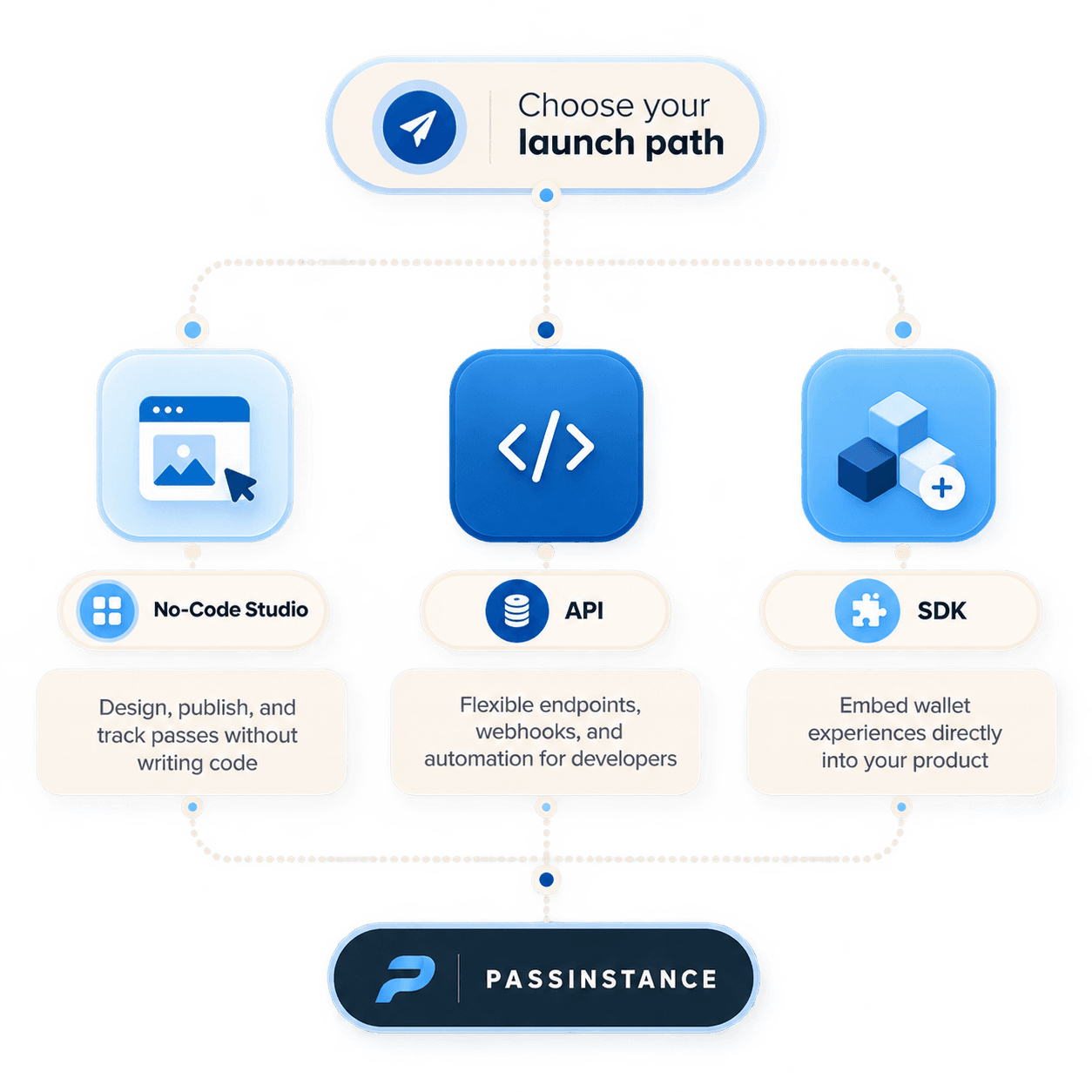
Launching a production-ready mobile wallet pass program requires making key architectural decisions. Should your marketing team build passes visually in a no-code designer, or should software engineers integrate programmatic REST endpoints and client-side SDKs?
Passinstance is built with a unified multi-tier architecture that supports all three launch paths seamlessly:
text
passinstance
┌───────────────────────────┐
                     │   CHOOSE YOUR LAUNCH PATH │
                     └─────────────┬─────────────┘
                                   │
         ┌─────────────────────────┼─────────────────────────┐
         ▼                         ▼                         ▼
  ┌───────────────┐         ┌───────────────┐         ┌───────────────┐
  │ NO-CODE STUDIO│         │   REST API    │         │  CLIENT SDK   │
  ├───────────────┤         ├───────────────┤         ├───────────────┤
  │ Visual design │         │ Programmatic  │         │ Direct embed  │
  │ CSV batching  │         │ Webhooks      │         │ Mobile apps   │
  │ Zero code     │         │ Backend sync  │         │ Web checkout  │
  └───────┬───────┘         └───────┬───────┘         └───────┬───────┘
          │                         │                         │
          └─────────────────────────┼─────────────────────────┘
                                    ▼
                     ┌───────────────────────────┐
                     │     PASSINSTANCE CORE     │
                     │  • Apple PassKit Signing  │
                     │  • Google Wallet JWT API  │
                     │  • Distributed Push Queue │
                     └───────────────────────────┘
1. Comparing the Three Launch Paths
| Criteria | 1. No-Code Studio | 2. REST API | 3. Client SDKs |
|---|---|---|---|
| Primary User | Marketers & Store Ops | Backend & Full-Stack Devs | Frontend & Mobile Engineers |
| Setup Time | Under 15 minutes | 1–2 developer days | 1–3 developer days |
| Customization | Visual layout, swatches, fields | Unlimited dynamic JSON payload | Native in-app Add button & deep links |
| Automation | CSV batch upload & Zapier | Automated transactional webhooks | Real-time in-app pass generation |
| Best Used For | Pilot campaigns, events, retail | CRM sync, ERP, POS billing | Mobile banking apps, travel check-in |
2. Path 1: The No-Code Visual Studio
For marketing teams, event planners, and retail managers who need to launch fast without software engineering dependencies:
- Visual Multi-Step Builder: Configure card colors, custom strip banners, logos, and back-of-pass fields with live preview simulators.
- CSV Customer Import: Upload a spreadsheet of existing members to generate thousands of personalized passes with automated email distribution.
- Self-Service QR Code Generators: Export high-resolution counter display signage with embedded Add-to-Wallet QR links.
3. Path 2: Production REST API & Webhooks
For software engineers integrating wallet passes into Shopify, Salesforce, PostgreSQL, or custom microservices:
- Pass Lifecycle Endpoints: Create (
POST /api/v1/passes), update (PATCH /api/v1/passes/:id), and revoke (POST /api/v1/passes/:id/revoke). - Encrypted Signing Pipeline: Passinstance manages Apple Developer PassKit certificates (
.p12) and Google Wallet service account JWT keys automatically. - Bi-Directional Webhooks: Receive real-time JSON payloads for
pass.installed,pass.uninstalled, andpass.scannedevents.
4. Path 3: Client-Side SDKs & Embedded Links
For native iOS/Android applications and responsive web checkouts:
- Native Add to Wallet Buttons: Render official Apple Wallet and Google Wallet CTA badges adhering strictly to brand guidelines.
- Deep Linking: Trigger one-tap wallet pass downloads directly from mobile Safari, Chrome, or in-app WebViews without redirecting away from your primary checkout flow.
5. Architectural Recommendation
Most high-growth companies adopt a hybrid approach:
- •Marketers design and approve the brand layout in the No-Code Studio.
- •Engineering binds that template ID to their backend using the REST API for automated issuance upon customer registration.