

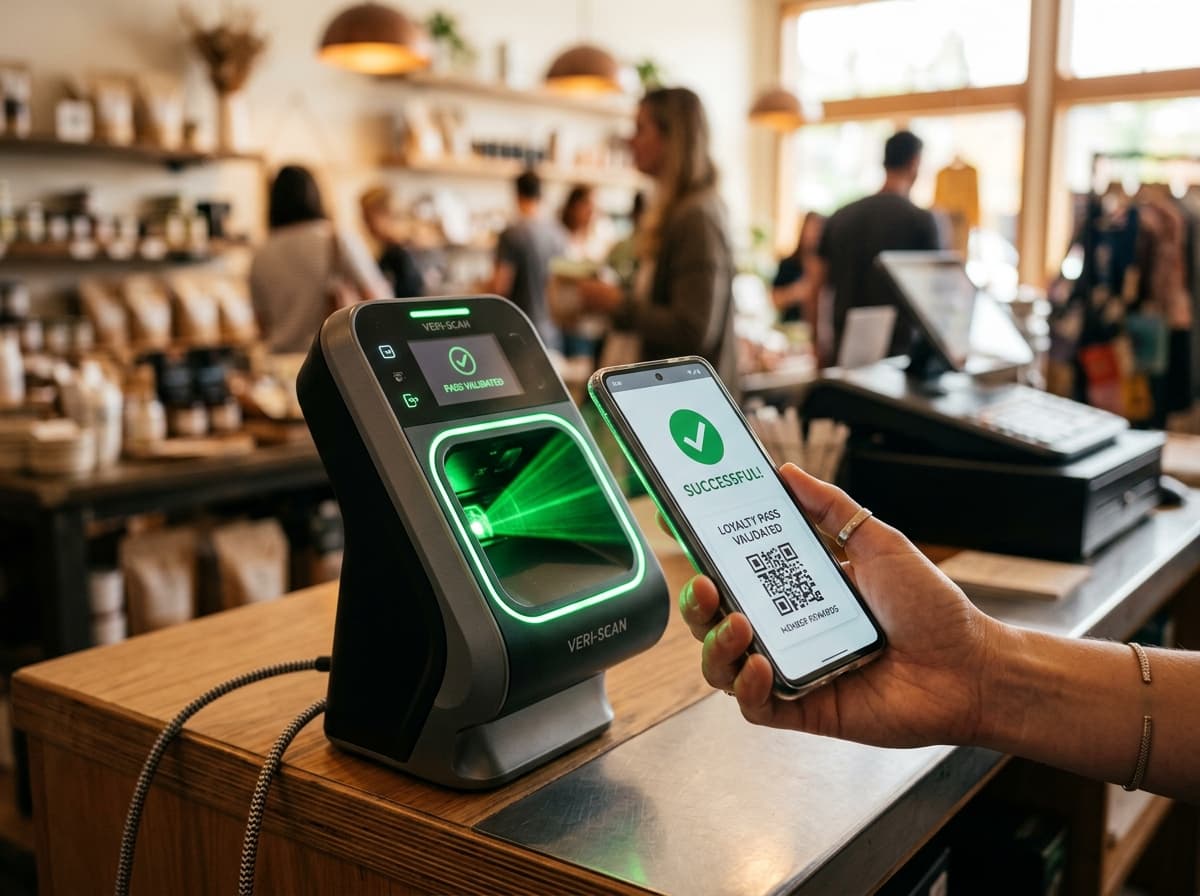
Connecting Point of Sale (POS) hardware to digital wallet passes transforms checkout counters from administrative bottlenecks into active loyalty hubs.
When a customer presents their phone at checkout, the transaction should be effortless: the cashier scans the pass barcode, the POS applies active member discounts, records newly accrued points, and triggers a haptic lockscreen notification before the receipt is even printed.
1. Scanner-to-Cloud Integration Architecture
text
passinstance
┌────────────────────────────────────────────────────────────────────────┐
│                   POS TO WALLET INTEGRATION ARCHITECTURE               │
├────────────────────────────────────────────────────────────────────────┤
│                                                                        │
│  [2D Presentation Scanner] ───> [POS Terminal / Register]              │
│  (Zebra / Honeywell Imager)     (Transaction Processing)               │
│                                           │                            │
│                                           ▼                            │
│                                 [Passinstance Cloud API]               │
│                                 POST /v1/passes/id/events              │
│                                           │                            │
│                                           ▼                            │
│                                 [Apple APNs & Google Pay Push]         │
│                                 Sub-second lockscreen balance update   │
│                                                                        │
└────────────────────────────────────────────────────────────────────────┘- •Optical 2D Scan: The customer presents their Apple Wallet or Google Wallet pass. A 2D presentation scanner (such as Zebra DS9308 or Honeywell Genesis) decodes the high-density QR or Aztec barcode in under 150ms.
- •POS Transaction Event: The cash register transmits an authenticated REST payload to
POST /v1/passes/{id}/eventswith the transaction amount, items purchased, and store identifier. - •Passinstance Rules Engine: The cloud engine computes points multipliers, evaluates tier thresholds, and generates new pass payloads.
- •Push Update: Instant APNs and Google Wallet push calls update the pass on the device in under 500ms.
2. Hardware Scanner Configuration Best Practices
- Avoid 1D Laser Scanners: Traditional red laser lines reflect off smartphone glass and cannot decode digital screens. Always deploy 2D optical area imagers.
- High-Contrast Barcode Modules: Render black barcode modules on clean white background fields for rapid scanning even in direct sunlight or under dim ambient lighting.
- Offline Resilient Buffering: Configure the local POS terminal to buffer transaction events locally during network dropouts and synchronize them automatically upon reconnection.