Skip to content
Back to blog

Digital Membership & Access Passes in Apple Wallet and Google Wallet

Replace plastic membership cards with Apple Wallet and Google Wallet passes for QR/barcode check-in at gyms, clubs, coworking spaces, and partner gates.

Passinstance Team
Passinstance Team

Wallet pass platform team

2026-08-161 min read
Cover image for Digital Membership & Access Passes in Apple Wallet and Google Wallet

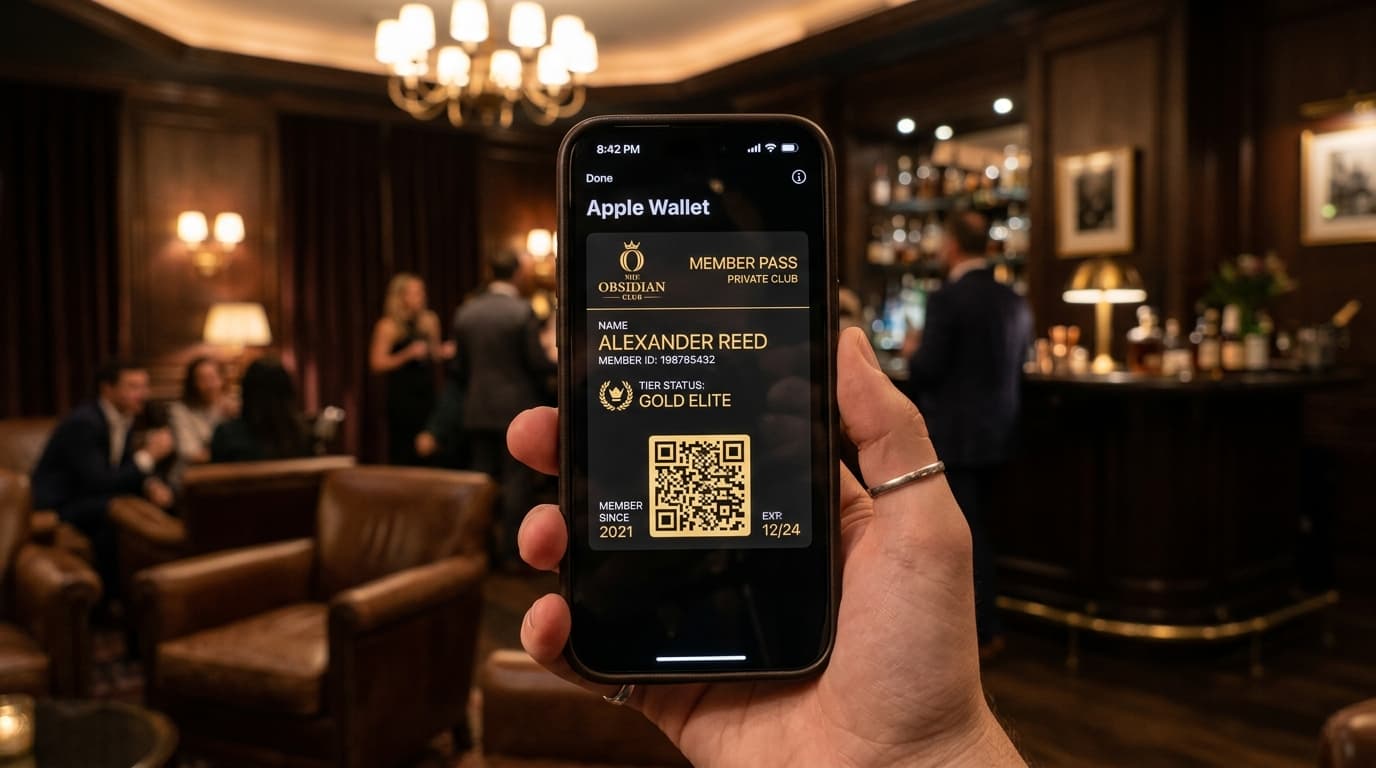
Managing physical plastic badges creates recurring administrative overhead for facility and club operators: cards are lost, take time to reprint, and remain active unless collected or cancelled in your database.

Digital membership and facility passes in Apple Wallet and Google Wallet let members present their 2D barcode on iPhone, Apple Watch, or Android at front desks or compatible optical gate readers. Where NFC tap-to-unlock is required (such as Apple VAS / Google Smart Tap), confirm reader compatibility, hardware provisioning, and Apple entitlements before rollout.


1. Facility Check-In & Access Workflow

SYSTEM ARCHITECTURE FLOW
INTERACTIVE ARCHITECTURE
FACILITY CHECK-IN & ACCESS WORKFLOW
STAGE 01 Member Smartphone / Apple Watch
STAGE 02 Optical Turnstile / Front-Desk Scanner / Passinstance Scanner
STAGE 03 API Validation & Active Status Check
STAGE 04 Access Decision Returned & Logged

2. Operational Advantages for Facility Operators

  • Remote Pass Voiding: When a membership lapses or a contract ends, update pass state or void the pass via API so subsequent check-ins are rejected.
  • Lower Physical Card Reliance: Reduce plastic card printing and replacement requests for new and renewing members.
  • Schedule & Tier Metadata: Surface membership tier, renewal validity, and house rules cleanly on the pass face and details view.
  • Hardware Reality Check: Standard Wallet passes do not unlock proprietary RFID/MIFARE door locks out of the box — turnstile integration requires optical barcode scanners, middleware connected to Passinstance APIs, or certified NFC reader provisioning.
Interactive Live Demo
Apple Wallet & Google Wallet

Test a Real Wallet Pass on Your Phone

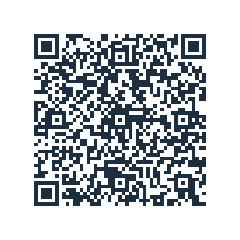
Experience how digital passes work firsthand. Scan with your smartphone camera or tap below to add this verified pass directly into Apple Wallet or Google Wallet.

Artisan RoastersCafé & F&B
Test QR code for Artisan Roasters

Scan with Phone Camera

Related in this topic

Access control and credentials

Open topic hub

Ready to launch your wallet pass program?

Create your account, design your pass template, and test real passes directly in Apple Wallet and Google Wallet.

Grand Palazzo
Elite
BALANCE1,200 pts
MEMBER NO.GP-84920
HOLDER
VALID UNTIL12/2027
GP-2026-84920