

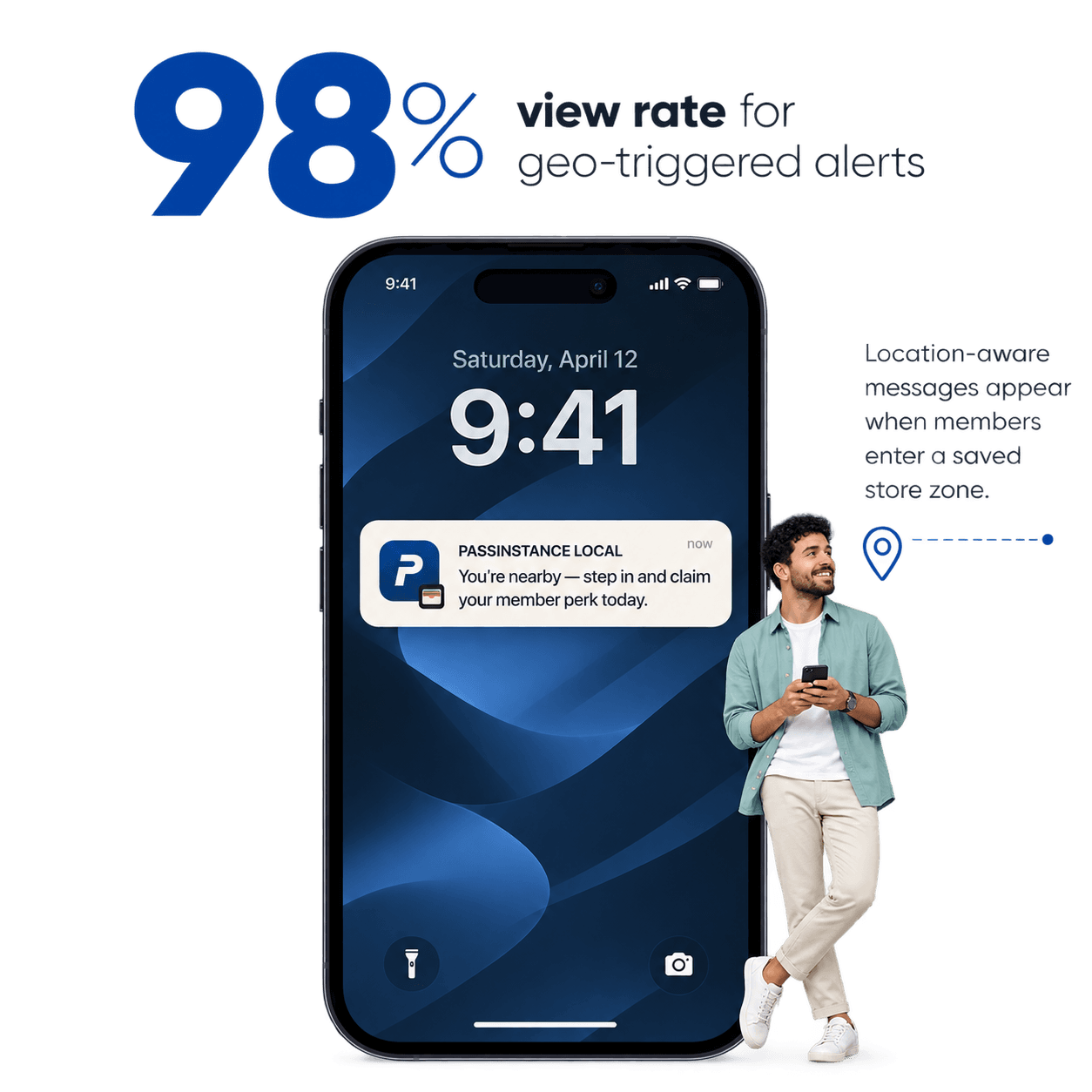
One of the greatest challenges for high-street retailers, restaurant chains, and event organizers is capturing walk-in foot traffic from customers who are already in the immediate neighborhood.
Traditional geofencing required shoppers to download a heavy mobile app, grant persistent background location permissions, and keep Bluetooth running.
With Apple Wallet and Google Wallet geofencing, location awareness is built natively into the mobile operating system—delivering a phenomenal 98% view rate when members enter a 100-meter perimeter around your store.
1. Native OS-Level Geofencing Architecture
text
passinstance
┌────────────────────────────────────────────────────────────────────────┐
│                   OS-LEVEL GEOFENCING ARCHITECTURE                     │
├────────────────────────────────────────────────────────────────────────┤
│                                                                        │
│   1. Coordinate Enrollment   ───► Add up to 10 GPS points per pass     │
│   2. OS Proximity Engine     ───► iOS / Android monitors geo-fences    │
│   3. Zero Battery Drain      ───► Passive low-power OS cell-tower wake │
│   4. Lock Screen Trigger     ───► "Passinstance Local: You're nearby!" │
│   5. Walk-in & Redemption    ───► 1-Tap pass open at store entrance    │
│                                                                        │
└────────────────────────────────────────────────────────────────────────┘
2. Geofenced Passes vs. App-Based Proximity Solutions
| Capability | Dedicated App Geofencing | SMS Geo-Targeting | Passinstance Wallet Geofencing |
|---|---|---|---|
| Battery Impact | Heavy (background GPS tracking) | Minimal (telco tower ping) | Zero (native OS sub-system) |
| User Permission | Invasive ("Always Allow Location") | Carrier network consent | Included natively in pass install |
| Precision | Variable (often killed by OS) | Coarse (several kilometers) | Precise (100m – 300m radius) |
| Delivery Cost | High app development & maintenance | €0.06+ per SMS burst | €0.00 per notification |
| View Rate | 20% – 35% | 85% | 98% Lockscreen View Rate |
3. Recommended Proximity Notification Settings
To achieve maximum walk-in lift without triggering notification fatigue:
- •Calibrate Radius to Pedestrian Speed: Set a 100m to 150m radius for dense urban high streets and 300m to 500m for drive-thru and retail parks.
- •Use Clear Location-Specific Value:
- •Pair with iBeacons for Indoor Micro-Location: Use Bluetooth Low Energy (BLE) iBeacons at specific store departments (e.g. perfume counter or VIP lounge) to trigger hyper-targeted indoor greetings.
4. Setting Up Geofences in Passinstance
In the Passinstance Dashboard:
- Navigate to your template's Locations tab.
- Enter latitude, longitude, and optional relevant text for up to 10 retail branches.
- Click Save & Sync—all existing Apple Wallet and Google Wallet passes update their location manifests automatically over the air.