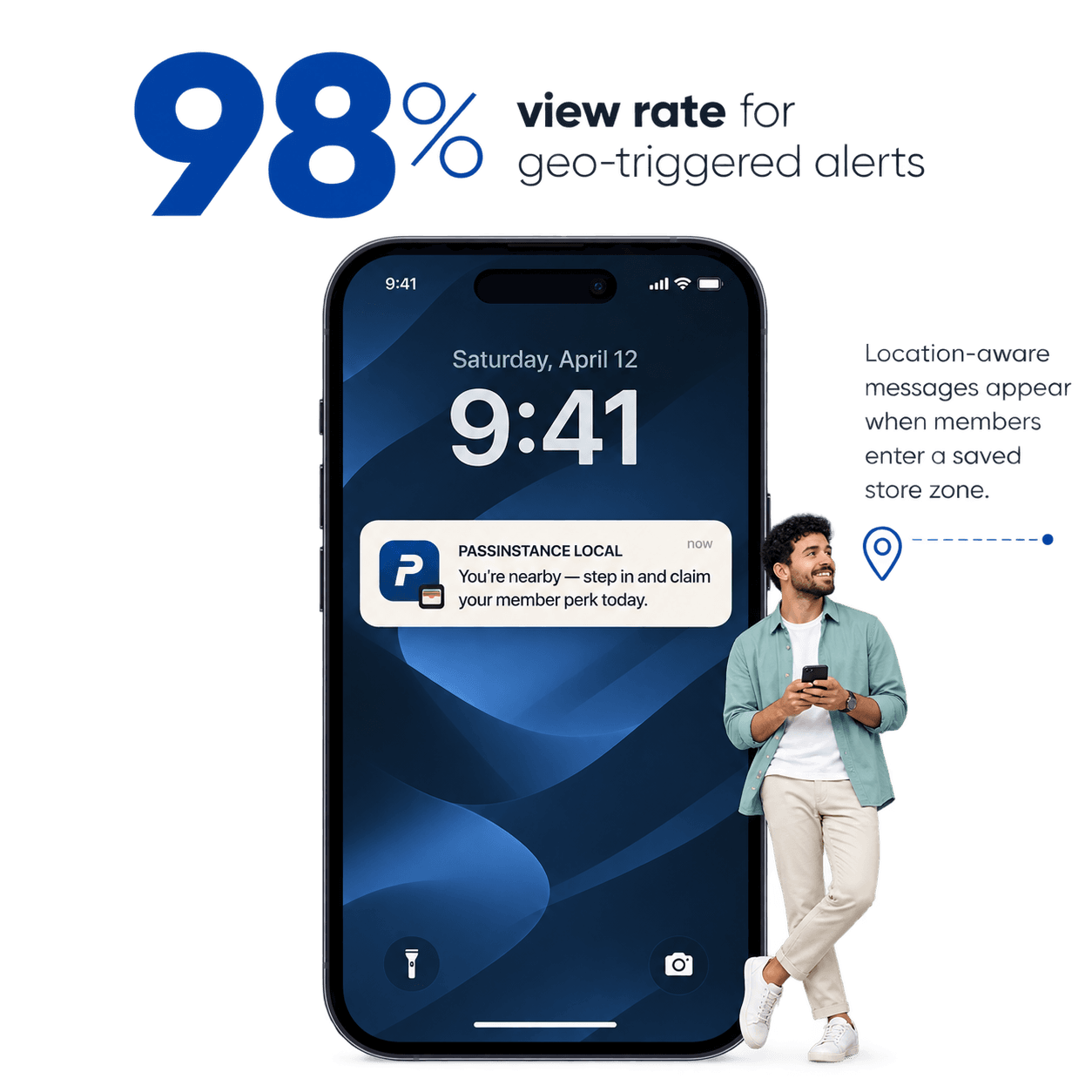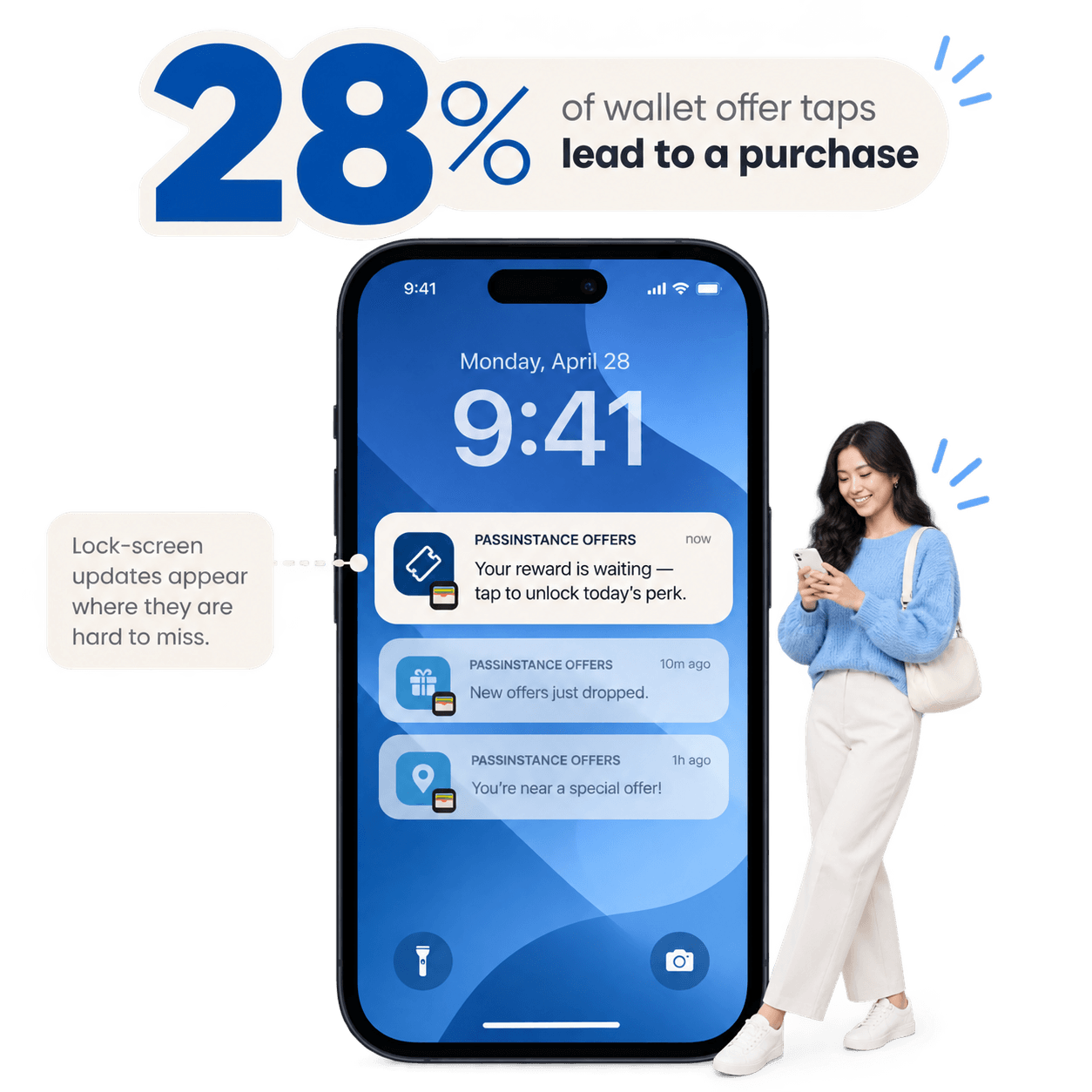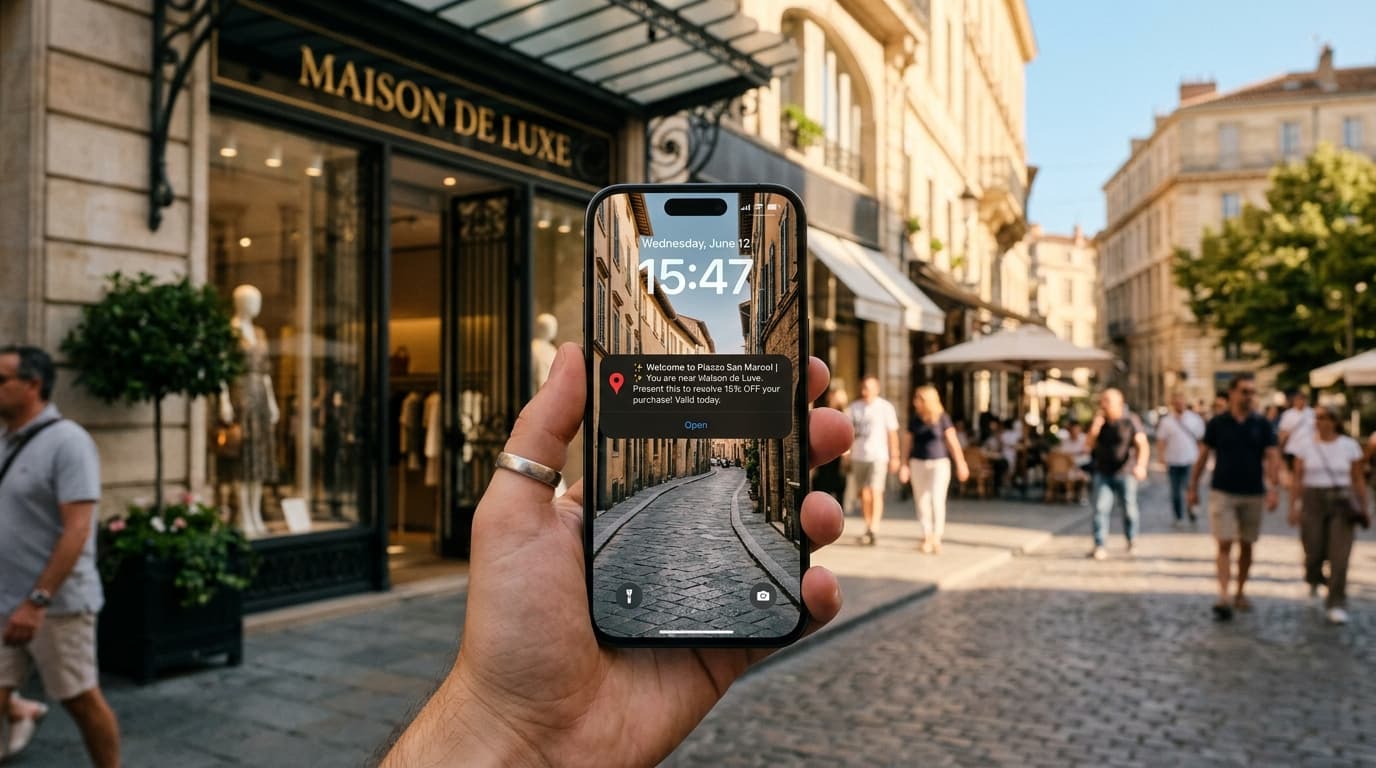
Deploying location-based reminders across multiple store locations requires respect for relevance and platform rules. Apple Wallet supports up to 10 GPS coordinates or iBeacons per pass for passive lock-screen surfacing (while Google Wallet ignores custom proximity alert text), and poorly targeted push updates can cause notification muting or pass uninstalls.
This comprehensive playbook provides proven operational frameworks for multi-store radius tuning, contextual lockscreen copy, time-of-day filtering, and quiet hour schedules.
1. The 4 Pillars of Precision Geofencing
2. Radius Calibration by Retail Environment
Configuring appropriate geographic boundaries prevents notification fatigue while maximizing walk-in foot traffic:
-
Dense Urban High Streets: Calibrate radiuses between 80m and 120m (approximately 60 seconds walking distance). In high-density districts, triggering a notification when the customer is 500 meters away feels irrelevant; triggering when they are within direct sight creates an immediate impulse visit.
-
Shopping Malls and Airports: Combine outdoor GPS coordinates with indoor Bluetooth Low Energy (iBeacon) transmitters deployed at specific storefronts or concourse levels for floor-level accuracy (50m radius).
-
Suburban Standalone & Drive-Thrus: Expand the detection perimeter to 250m to 450m to alert approaching motorists before they pass the highway turn-off intersection.
3. Contextual Lockscreen Messaging & Copy Formulas
Generic notifications like "Welcome back!" deliver poor click-through rates. The highest-converting proximity messages always highlight immediate personal value:
-
1The Loyalty Nudge: "Passinstance Rewards: You are 1 stamp away from a complimentary lunch at our Mitte branch!"
-
2The Stored Balance Reminder: "Your Lumora Gift Card has €35.00 available. Valid at this store today."
-
3The Limited-Time Flash Deal: "Afternoon Treat: Double reward points until 17:00 at Oxford Street."