Coffee consumption is driven by habit, proximity, and instant gratification. The average coffee enthusiast walks past 3 to 5 competing cafes on their daily commute. When deciding where to purchase their morning flat white or afternoon pour-over, the brand that delivers timely, frictionless visual reminders wins the transaction.
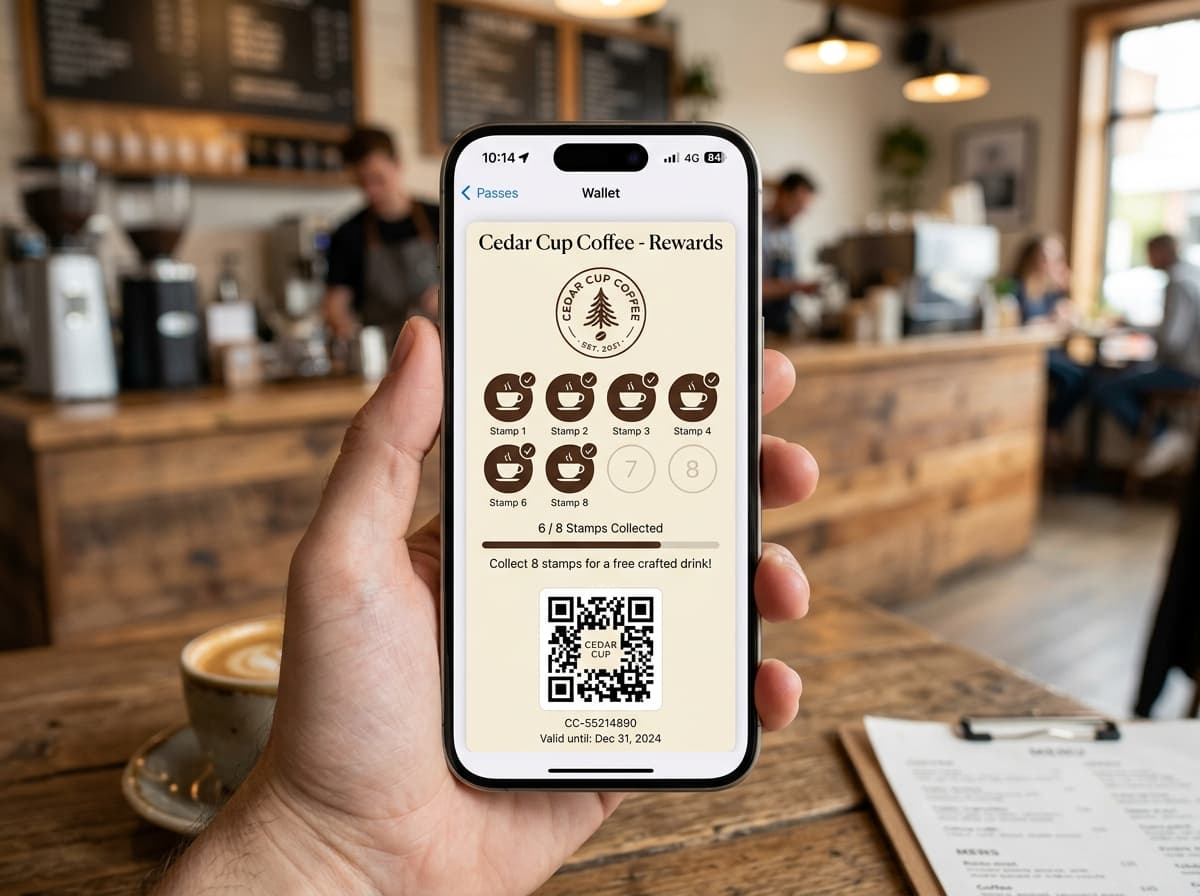
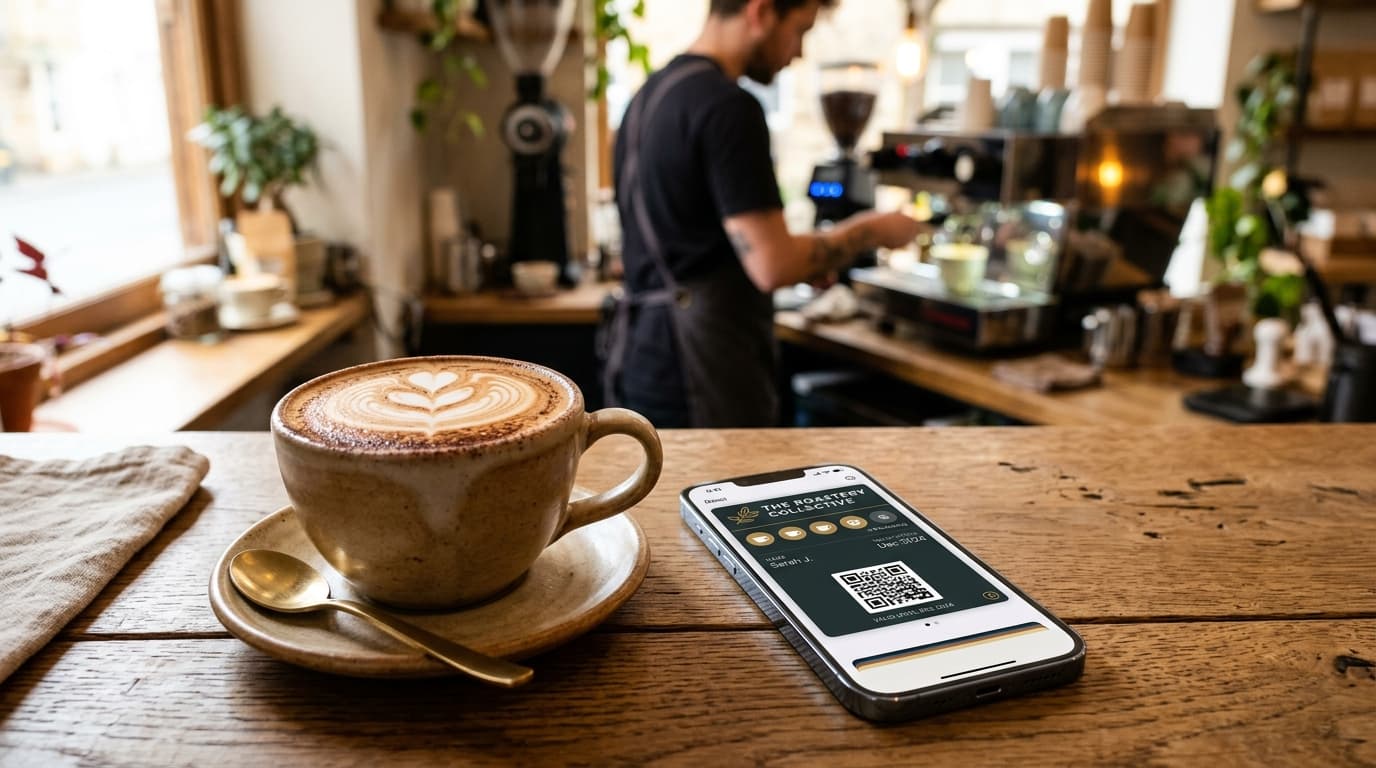
By pairing digital loyalty stamp cards in Apple Wallet and Google Wallet with native operating-system geofencing, specialty coffee roasters achieve unprecedented walk-in lift without the intrusive cost and battery drain of native apps.
This playbook outlines location coordinate configuration, progress-driven copy patterns, and POS counter workflows for coffee shops using Apple Wallet passes.
1. Why Coffee Shops are the Ideal Vehicle for Wallet Geofencing
Coffee retail possesses unique characteristics that maximize the effectiveness of proximity marketing:
-
1High Purchase Frequency: Regulars visit 3 to 5 times per week, making the digital stamp card a daily touchpoint.
-
2Local Foot-Traffic Capture: Proximity cues help bring nearby members into cafes while they are already walking in the neighborhood.
-
3Zero App Download Requirement: Customers add the digital stamp card with 1 scan of a countertop QR code. No password, no registration forms, no App Store download.
-
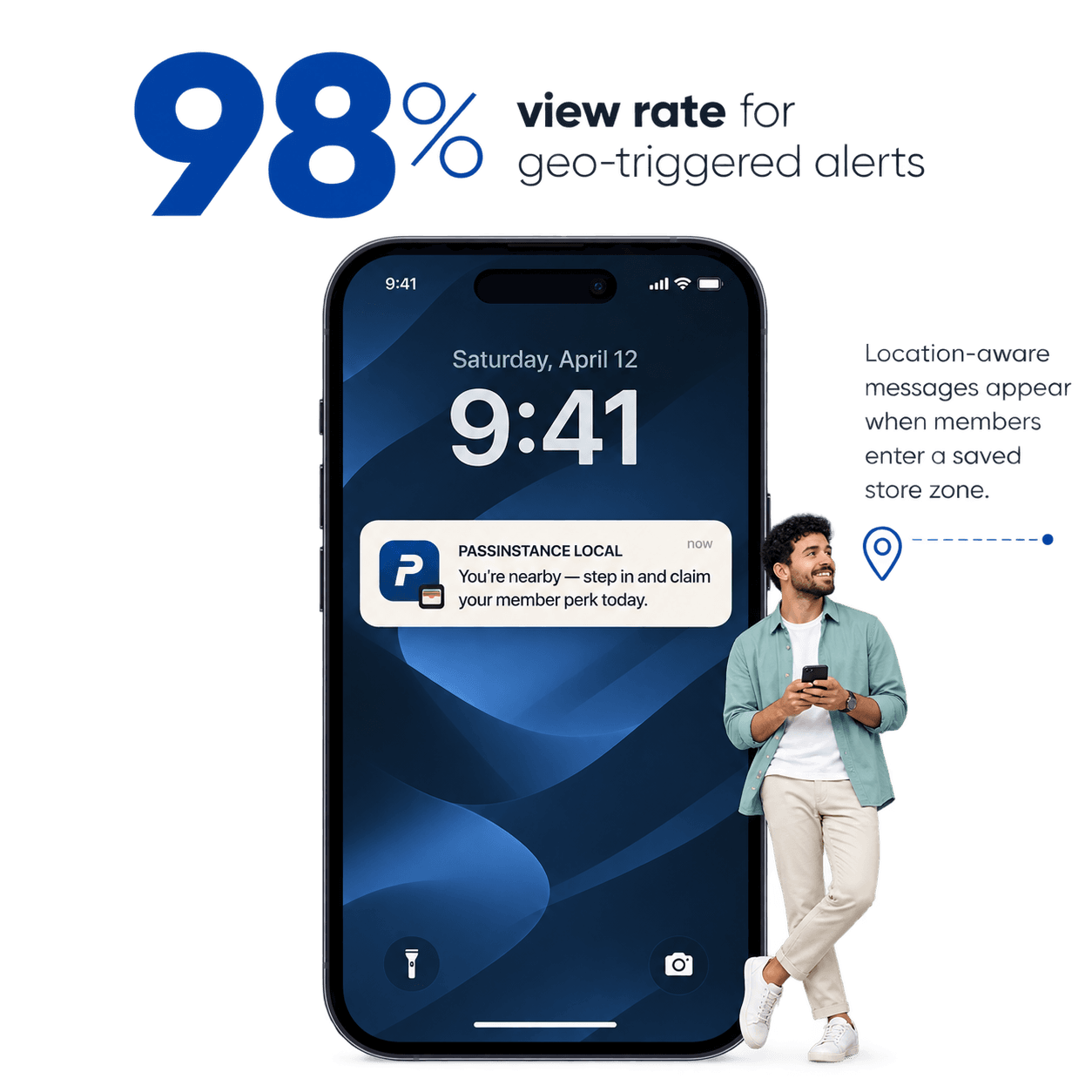
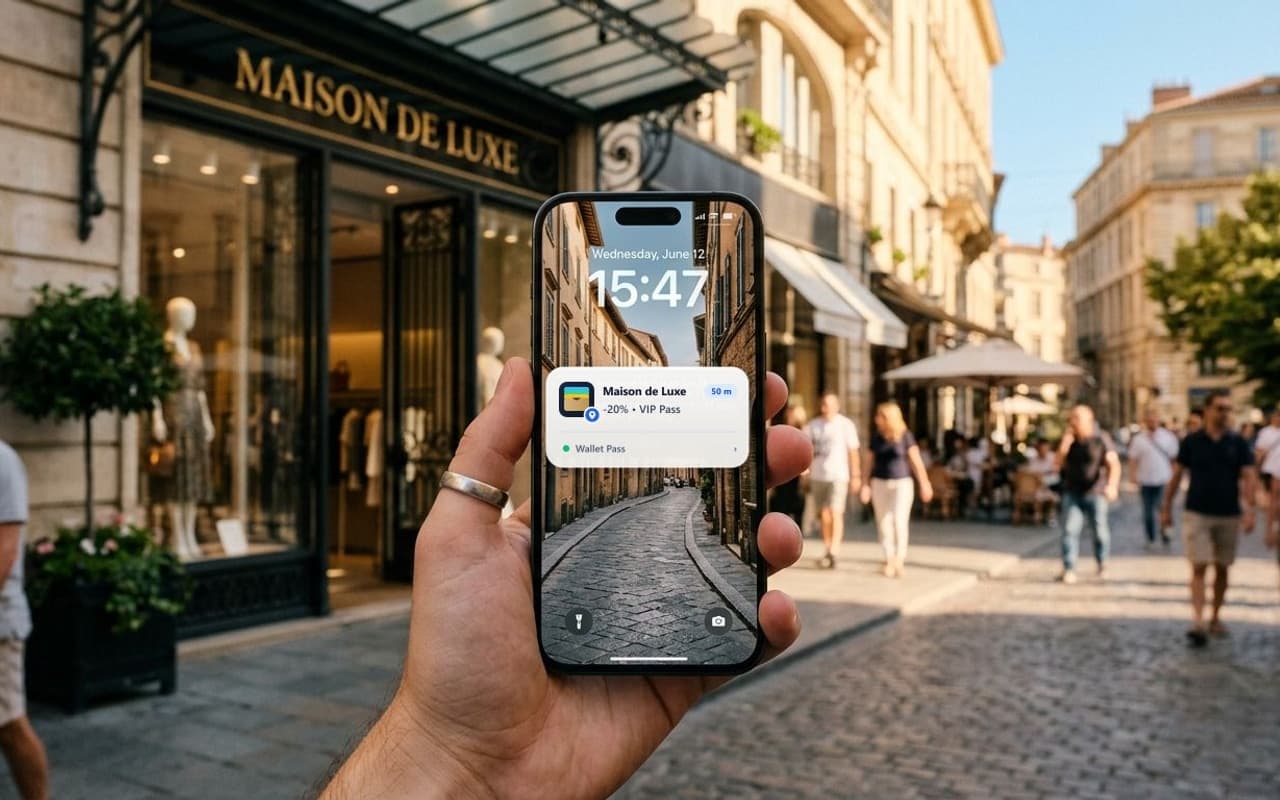
4Permanent Home on the Lockscreen: When the customer walks within 120 meters of the cafe, the pass surfaces automatically with their live stamp balance.
2. The Proximity-to-Purchase Sequence
3. High-Converting Copy vs. Discount Fatigue
Most location-based marketing fails because the message is generic spam. Coffee customers respond dramatically better to progress-based motivation than generic discount banners.
Illustrative Copy Patterns
| Strategy / Message | Lockscreen Copy Example | Primary Intent | Messaging Tone |
|---|---|---|---|
| Generic Brand Alert | "Welcome back to Mooncrest Coffee! Come on in." | General recall | Low urgency |
| Generic Discount | "Get 10% off your drink today only." | Price incentive | Promotional |
| Mid-Progress Milestone | "You're halfway to your free coffee! (4/8 stamps ready)." | Reward progress | High relevance |
| Imminent Reward Urgency | "1 stamp away from your favorite flat white! Claim today." | Finish card cycle | Clear next step |
| Time-Bound Double Stamps | "Afternoon Treat: Double stamps until 16:30 at Mitte." | Off-peak visit shift | Time-limited |
4. Dense Urban vs. Suburban Drive-Thru Radius Calibration
Setting the wrong geofence radius ruins campaign performance. A radius that is too large triggers notifications when customers are on highways or across town; a radius that is too small triggers after the customer has already walked past.
Recommended Radius Settings
-
Dense Urban High Streets (Pedestrian Traffic): 80m – 120m. Triggers when the customer is 45 to 60 seconds walking distance from your doorway.
-
Shopping Malls & Transit Hubs: 50m – 80m combined with BLE iBeacons for floor-specific indoor targeting.
-
Suburban Standalone / Drive-Thru Locations: 250m – 450m. Triggers as commuters approach the turn-off intersection.
5. Complete JSON Geofencing Blueprint in Passinstance
Passinstance allows you to configure up to 10 relevant coordinates (and up to 10 iBeacons) per Apple Wallet pass template (Google Wallet ignores custom proximity alert copy):
{
  "passTemplateId": "tmpl_coffee_loyalty_v2",
  "locations": [
    {
      "latitude": 52.520008,
      "longitude": 13.404954,
      "relevantText": "Mooncrest Mitte: 1 stamp away from your free coffee!",
      "altitude": 0
    },
    {
      "latitude": 52.501530,
      "longitude": 13.332560,
      "relevantText": "Mooncrest Ku'damm: Double stamps active this afternoon!"
    }
  ],
  "beacons": [
    {
      "proximityUUID": "e2c56db5-dffb-48d2-b060-d0f5a71096e0",
      "major": 1,
      "minor": 104,
      "relevantText": "Welcome to Mooncrest Roastery! Ready to scan your card?"
    }
  ]
}
6. Operational Takeaways for Multi-Store Cafés
Deploying location-aware wallet cards across specialty coffee locations delivers practical workflow benefits:
-
Faster Counter Check-In: Customers open their loyalty card directly from Apple Wallet or Google Wallet instead of digging for paper cards.
-
Native Progress Visibility: Stamp progress remains visible on the card face and updates upon scan.
-
No App Maintenance: Customers save passes in native OS wallets already on their phone.
-
No Per-Message SMS Carrier Fees: Wallet pass updates and Apple Wallet location cues do not incur per-message SMS carrier fees.