
Give your members a digital membership card they can keep in Apple Wallet or Google Wallet
Replace easily forgotten plastic fobs and avoid expensive custom gym apps. Issue branded digital membership cards showing plan status, renewal dates, multi-club access tiers, and 2D barcodes for check-in.
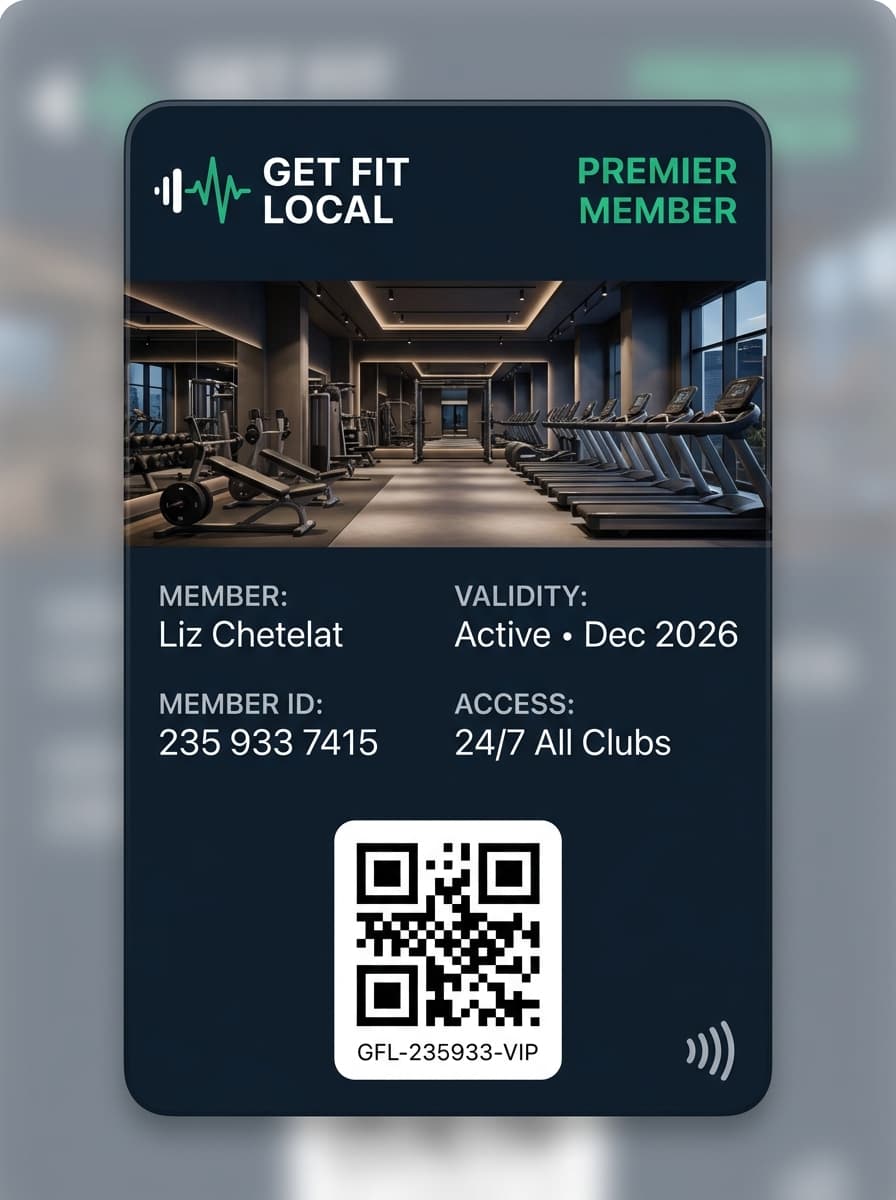
Replace plastic fobs and unused gym apps with native Wallet cards
Members carry their phone to every workout. Keeping their membership pass in Apple Wallet or Google Wallet removes reception bottlenecks and replacement-card admin.
- Members forget plastic cards or key fobs and ask reception for manual lookups
- Reprinting lost cards across multi-location fitness clubs adds ongoing overhead
- Developing and maintaining a dedicated club mobile app slows down launches
- Static paper receipts fail to reflect paused subscriptions or tier upgrades
- Hosted Add-to-Wallet links delivered after member sign-up or via QR at reception
- Pass front displays active plan tier, home club, and subscription expiration date
- API-driven updates reflect renewals, freezes, upgrades, or voided memberships
- Check-in via Passinstance Scanner app or compatible 2D optical club scanners
Built for single studios, martial arts academies, and multi-club operators
Configure membership rules visually in the Passinstance dashboard or automate pass lifecycle events from your member CRM.
Subscription Validity & Multi-Club Status
Display active tier names (Single Club, All-Access, Off-Peak), billing validity dates, and member IDs directly on Apple Wallet and Google Wallet passes.
QR Code Check-In & Reception Validation
Verify member entry at reception using the mobile Passinstance Scanner app (including pre-synced offline datasets) or optical 2D barcode readers connected to your gate software.
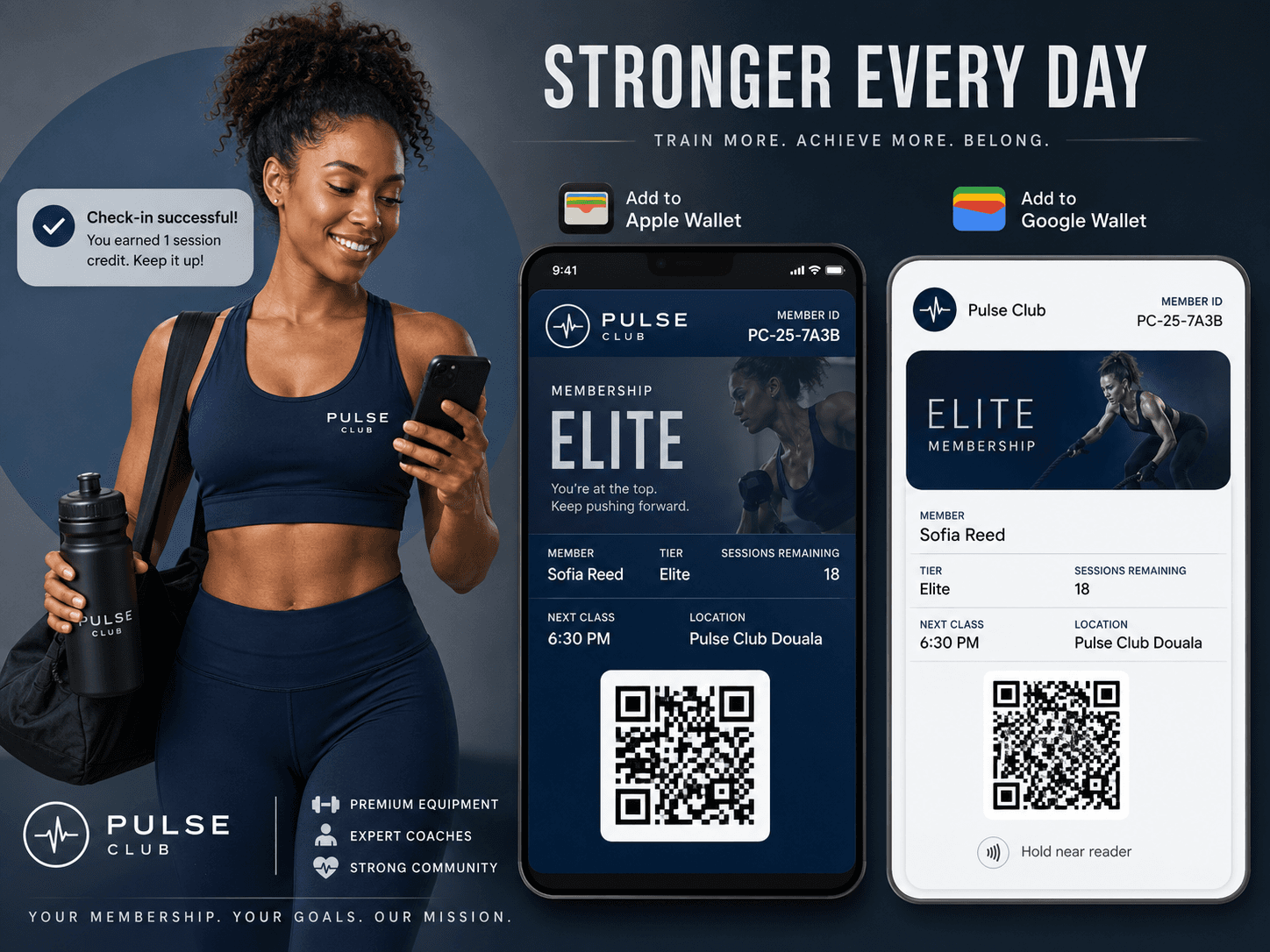
PT Session Packs & Guest Vouchers
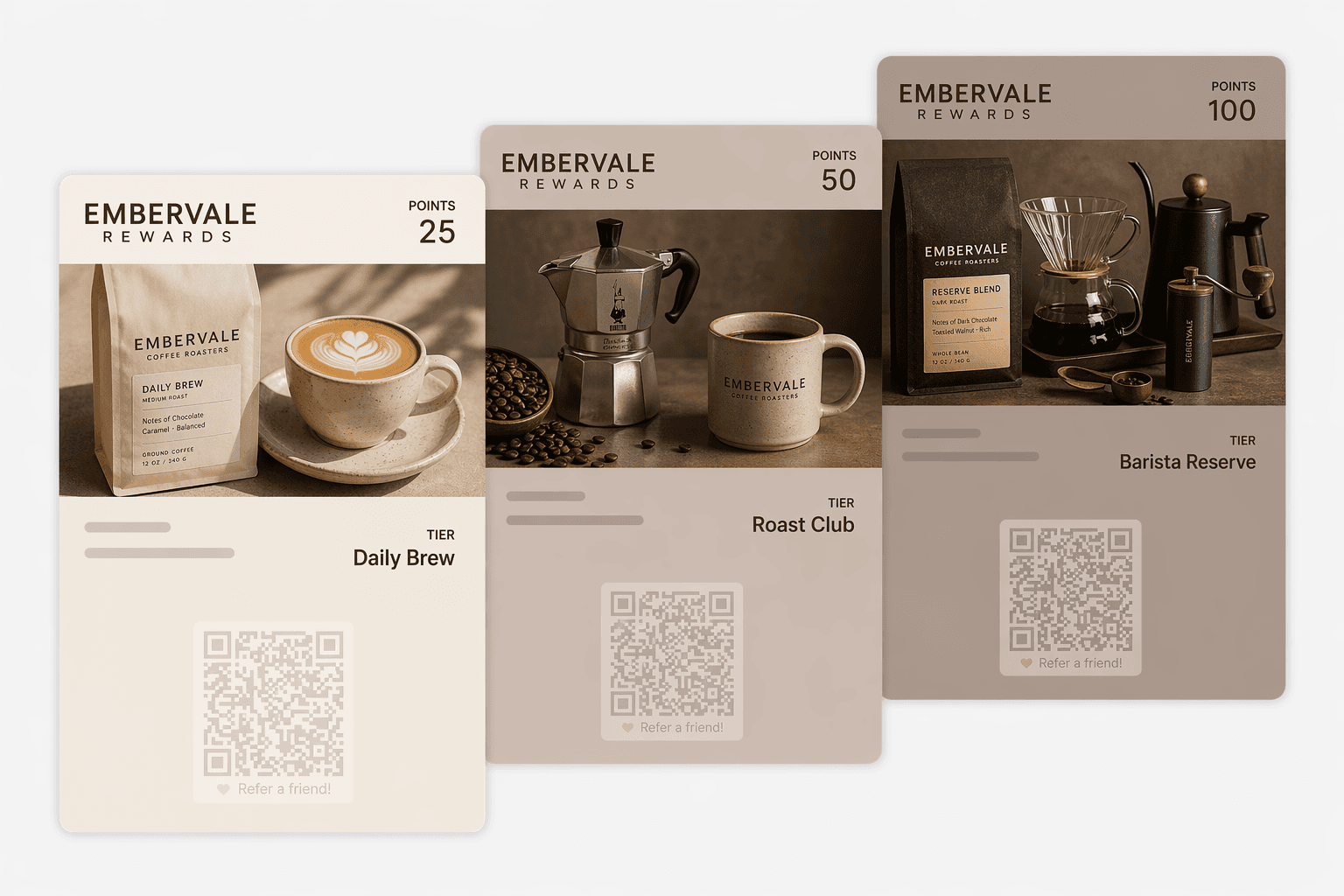
Issue companion wallet passes for 10-session personal training packs, trial week passes, or friend-referral vouchers with single-use redemption.
Turnstile & Gate Scanner Compatibility Requirements
A Wallet barcode pass does not automatically unlock every physical fitness club turnstile. Compatibility depends on whether your existing gate reader supports optical 2D barcodes (rather than 1D-only laser or proprietary RFID keyfobs) and how your club management software validates scanned payloads.
- Optical 2D Scanners: Compatible when readers read screen-displayed QR/Aztec/PDF417 codes and forward tokens to your club software or Passinstance API.
- NFC Access Control: Passinstance does not claim out-of-the-box NFC turnstile unlocking (Apple VAS / Google Smart Tap requires specialized certified reader hardware and dedicated provisioning).
- Fallback Readiness: Reception teams can always scan passes directly with iOS/Android Passinstance Scanner without modifying turnstile wiring.
Try the Get Fit Local Premier Membership Pass on your phone
Scan with your phone camera to inspect how a real Apple Wallet or Google Wallet fitness membership card displays tier status and member details.

 Apple Wallet & Google Wallet
Test the Live Get Fit Local Pass
Scan at front-desk check-in for Premier access across every club, with live membership validity on the pass.

Interactive Apple and Google Wallet demo passes
Get Fit Local — 24/7 Premier Fitness Membership
Scan at front-desk check-in for Premier access across every club, with live membership validity on the pass.
Category: Membership | Wallet compatibility: Apple Wallet (.pkpass) and Google Wallet
Add 24/7 Premier Fitness Membership to Apple or Google Wallet
Create this Wallet experience in your workspace
Start free with this demo context preserved so onboarding can offer the matching template.
Connect your member database to Apple Wallet & Google Wallet
Use our visual dashboard immediately or automate membership provisioning via REST API and webhooks whenever a member joins, renews, or cancels.
Club Management & Billing
Connect your existing member portal or ERP via X-API-Key REST calls.
Reception & Compatible Gates
Passinstance Scanner app or 2D optical barcode turnstile readers.
Webhooks & Analytics
Receive check-in events and sync attendance in your club CRM.
Pass provisioning, status updates & HMAC-SHA256 webhook dispatches
Passinstance Cloud Engine
EU AWS Hosting • Managed Wallet Signing Pipeline

Apple Wallet
Signed .pkpass • Lock-screen geofencing • NFC/VAS via supported hardware where enabled

Google Wallet
JWT save payload • Lock-screen push • Smart Tap via supported hardware where enabled
Launch digital gym memberships step by step
Start free with up to 5 active test passes before issuing to full club rosters.
Configure Branded Pass
Upload club logos, colors, Apple Pass Type ID certificate, and membership fields.
Verify Scanner Format
Test QR or Code128 readability with your front-desk scanner or Passinstance Scanner.
Distribute to Members
Share hosted claim links in welcome emails, member portals, or reception QR signage.
Automate Lifecycle
Sync renewals, tier upgrades, or cancellations from your member database via API.
Frequently Asked Questions for Fitness & Sports Clubs
Related capabilities & documentation
Subscription status, expiry dates & member tiers
Front-desk mobile check-in with online & offline datasets
Connect club management software to Wallet issuance
Start free up to 5 active passes and scale by member volume
Ready to issue digital membership cards for your fitness club?
Start free to test member pass templates and scanner workflows with up to 5 active passes.