
Validate Wallet passes from anywhere
Turn compatible mobile devices into secure pass scanners for events, memberships, loyalty, prepaid and operational validation workflows.
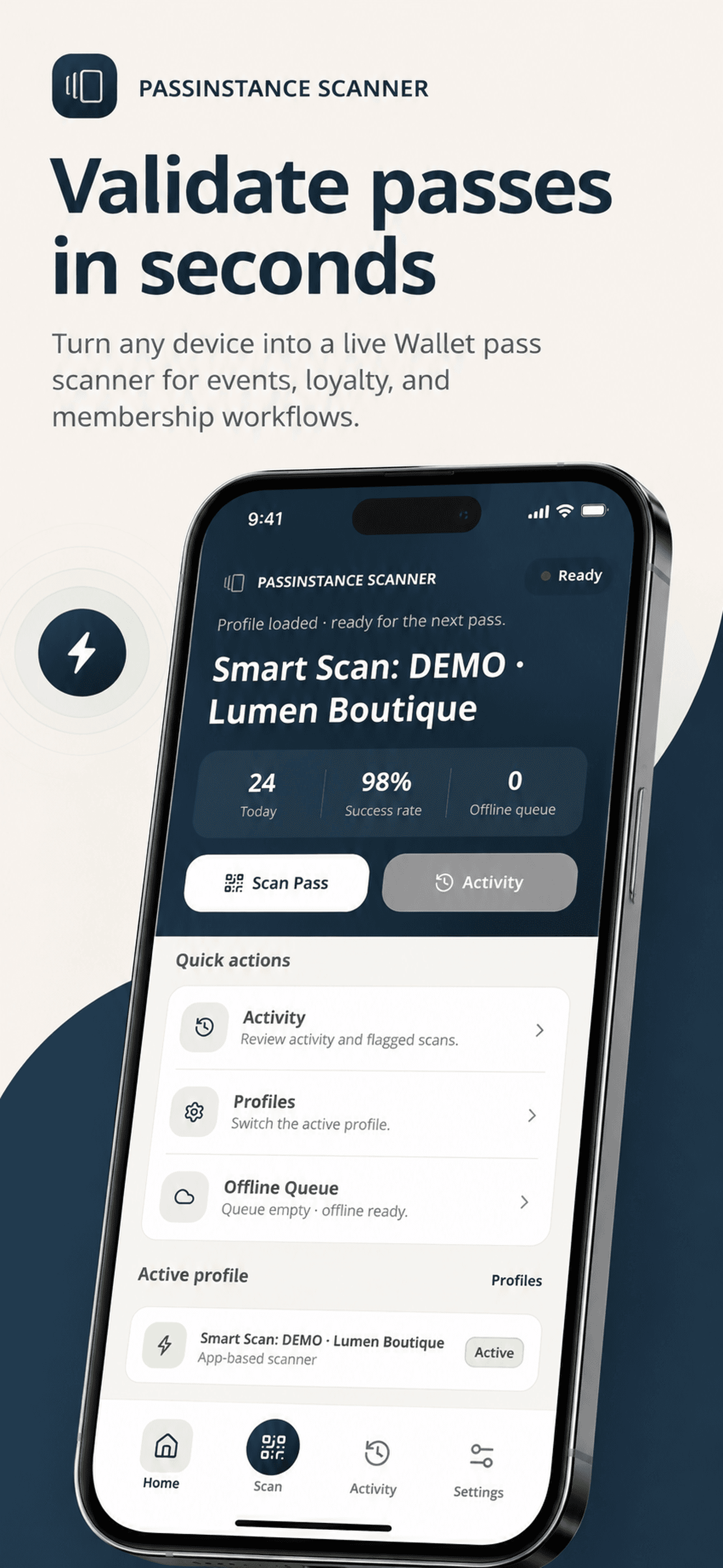
Activate scanners in minutes
Connect operators and devices through secure scanner access links or authenticated accounts. Configure the device once and give teams access to the validation workflow they need.
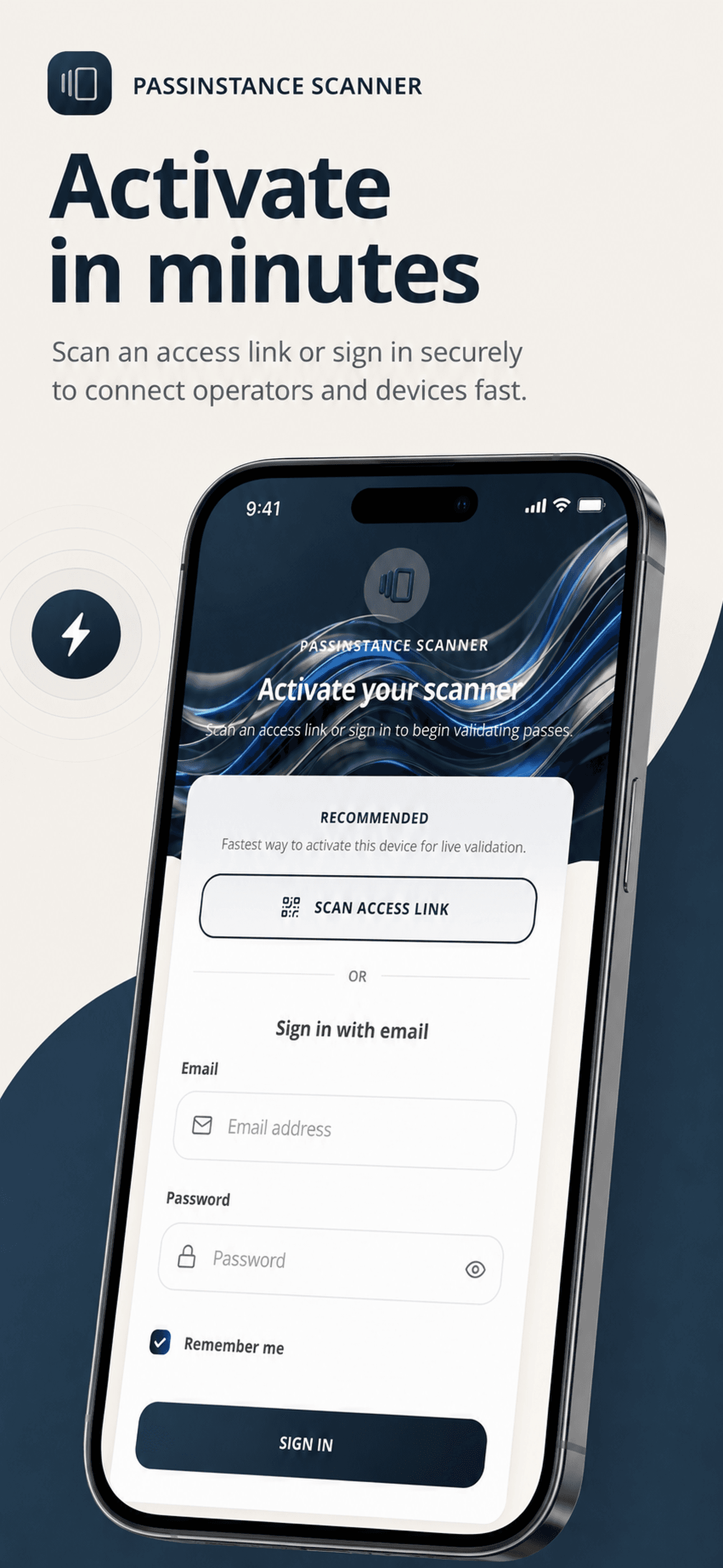
Scan passes instantly
Validate QR codes and supported barcodes directly from the device camera, with flash controls, camera switching and manual code entry when needed.
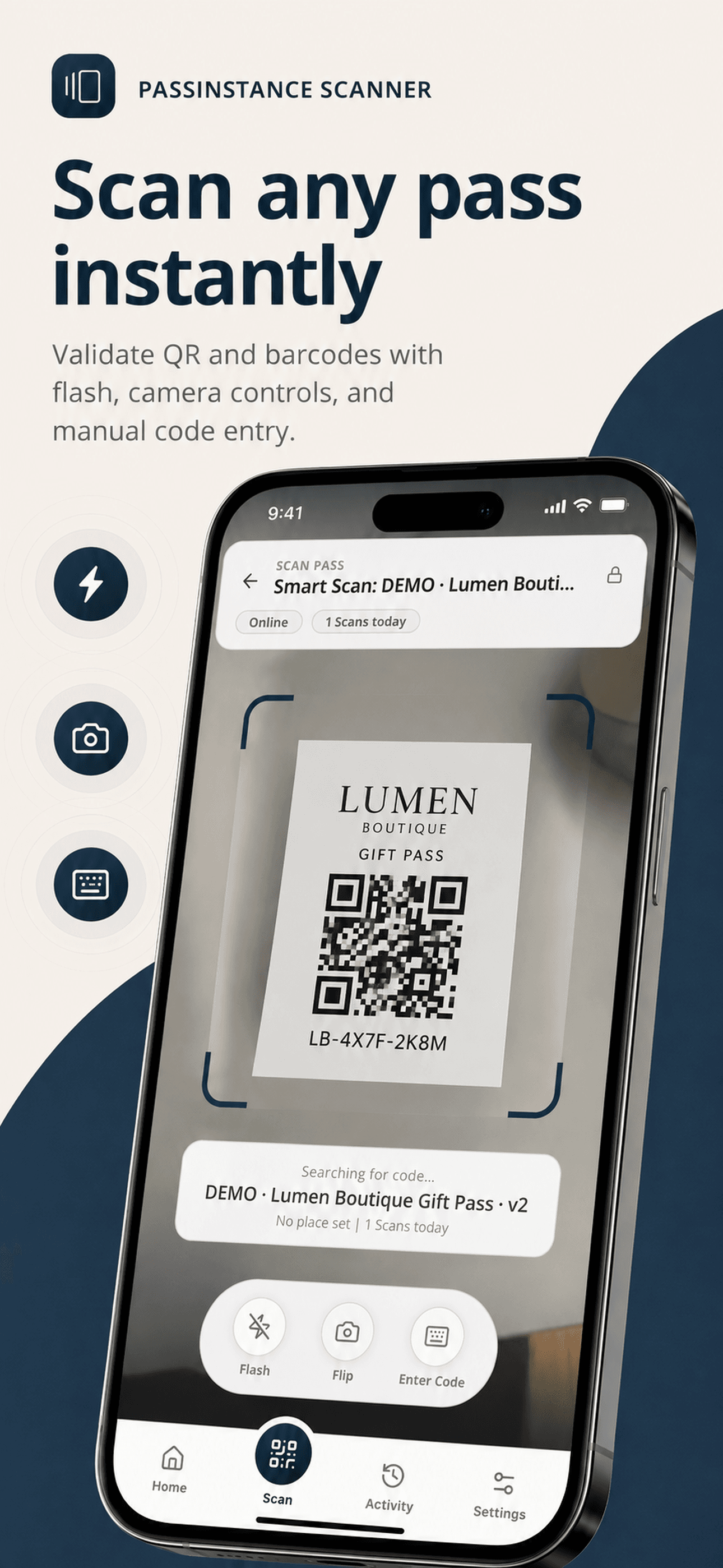
Review every validation
Give operators a clear activity feed for accepted, rejected, flagged and offline validations, making operational issues easier to identify and review.
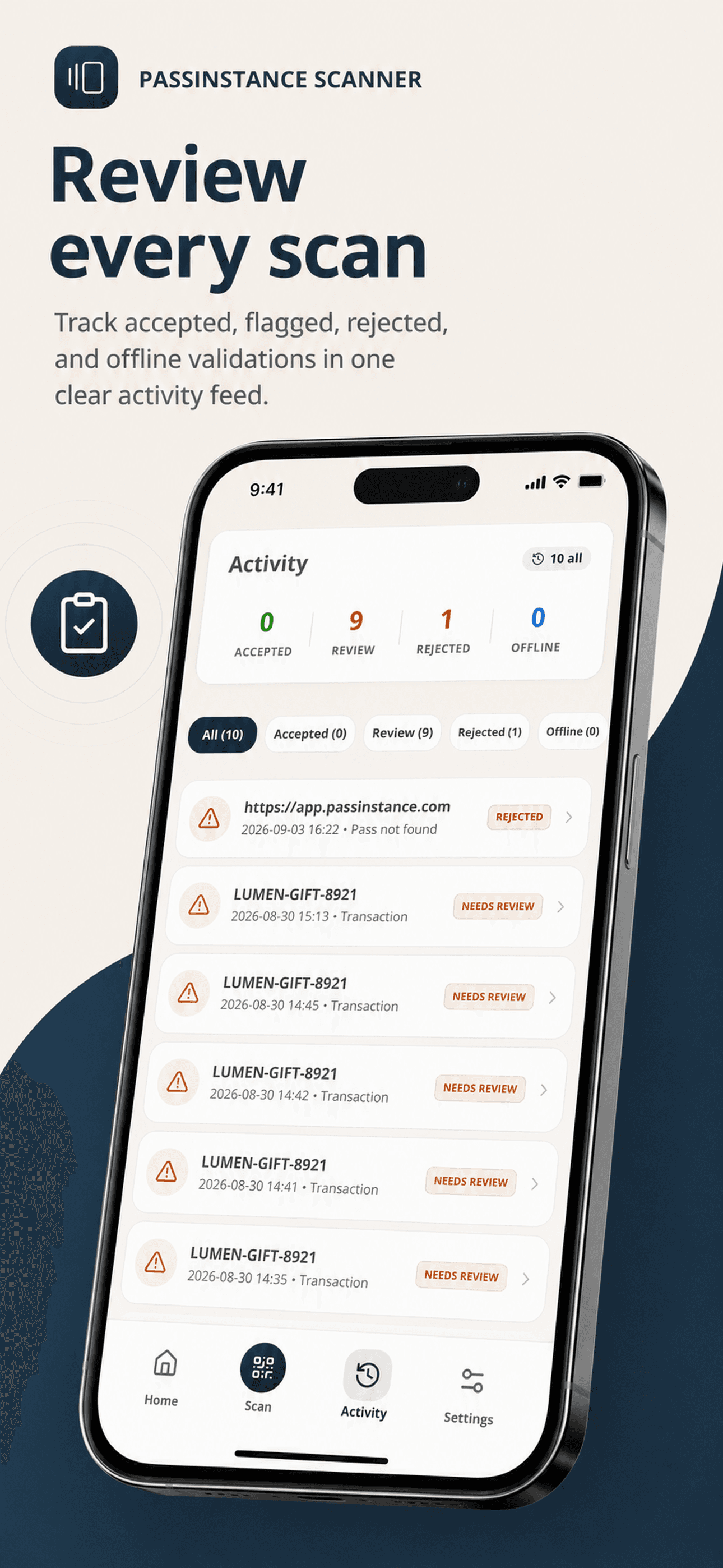
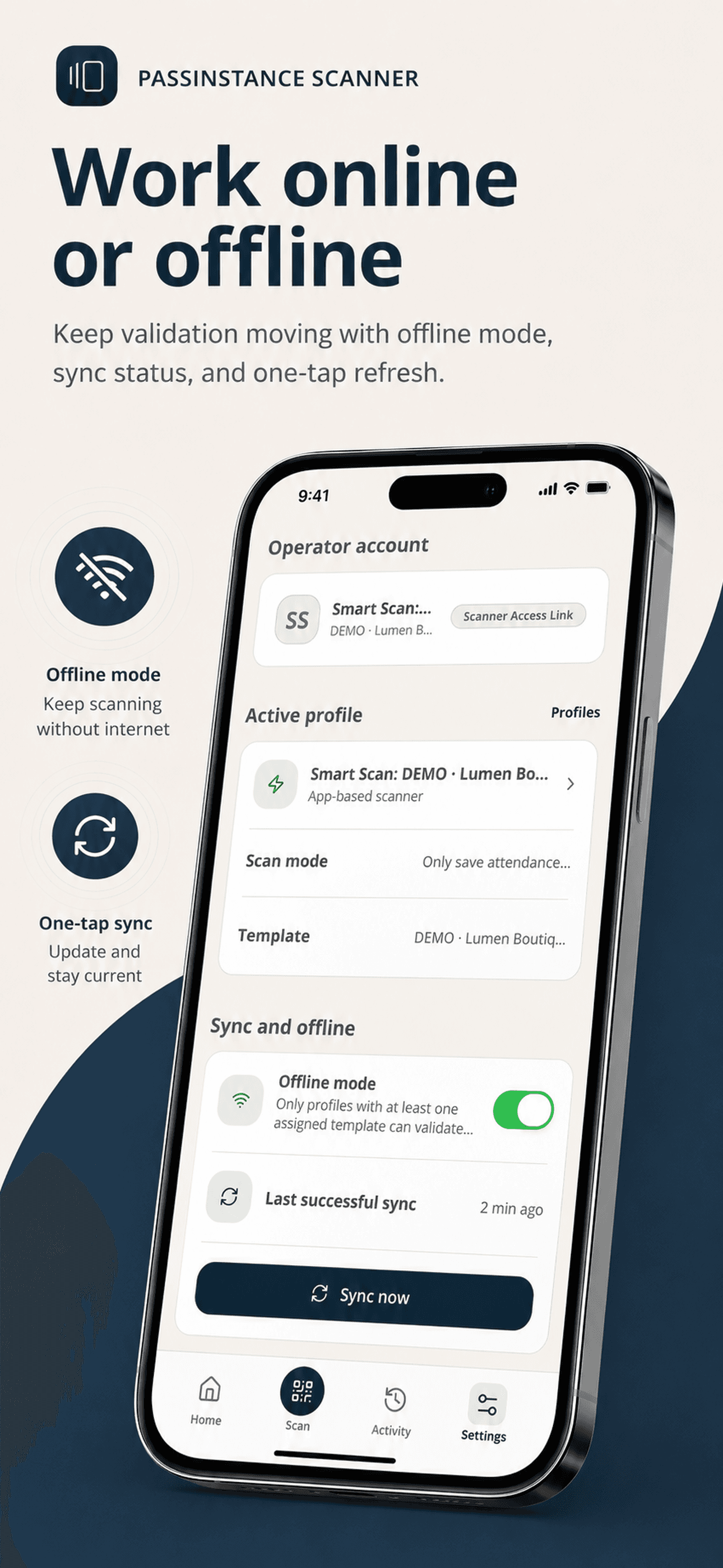
Keep validating when connectivity drops
Continue supported validation workflows offline and synchronize scanner state when connectivity returns, helping teams operate in venues where mobile networks are unreliable.
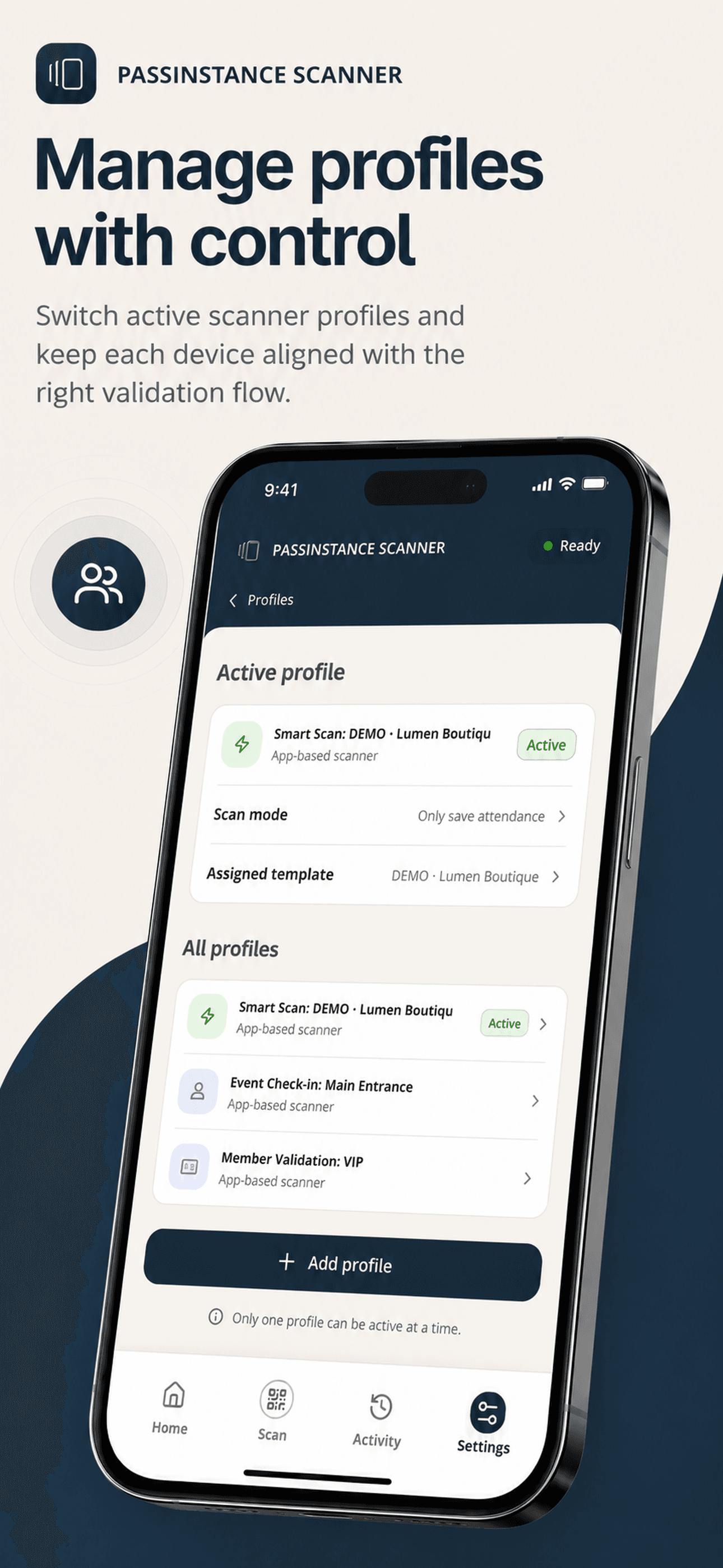
Control how each scanner operates
Use scanner profiles to align devices with the correct templates, validation rules and operational workflows. Operators can switch between authorized profiles without reconfiguring the entire device.
One scanner. Multiple Wallet workflows.
Standardize physical validation across admissions, memberships, stored value, and customer loyalty with zero specialized hardware.
Event check-in
Validate tickets at entrances and controlled access points with rapid single-scan turnstile throughput and duplicate detection.
Membership verification
Check membership status, tier validity, and guest privileges directly from an Apple Wallet or Google Wallet pass.
Loyalty & stamp cards
Support in-store loyalty validation, apply stamps or points, and trigger live customer balance notifications at checkout.
Prepaid & gift cards
Support configured stored-value redemption, partial balance deductions, and immediate transaction ledger recording.
Attendance & access control
Record employee or attendee check-in and check-out events without modifying or voiding the underlying digital pass.
Multi-station sync
Coordinate multiple scanning lanes and turnstiles simultaneously with real-time pass status sync across all active entry gates.
From Passinstance to validation in three steps
Deploy production pass scanning to any iPhone, iPad, or Android phone in minutes.
Configure
Create or select the Passinstance pass template, assign validation rules, and configure the scanner profile in your workspace.
Activate
Connect the mobile device via a secure one-tap scanner access link or authorized operator email credentials.
Scan
Scan Apple Wallet or Google Wallet passes via the camera and automatically apply the configured validation workflow.
Built for the Passinstance ecosystem
Create and distribute Wallet passes with Passinstance, then connect controlled scanner profiles to the templates and workflows your teams need to validate in the field.


Passinstance Cloud
Templates, rules & workspace configuration
Digital Wallet Pass
.pkpass & Google Wallet credentials
Customer Wallet
Stored in Apple Wallet or Google Wallet
Passinstance Scanner
Optical camera & profile rules
Validated Action
Balance update & push notification
Enterprise operational controls
Protect your pass infrastructure with verified, field-tested security architecture built for high-throughput teams.
Controlled device activation
Provision terminals and operator smartphones through scoped access links without exposing tenant API credentials.
Operator authentication
Enforce individual operator email authentication and maintain full visibility over which staff member performed each scan.
Profile-based template isolation
Restrict scanners so they only validate passes belonging to assigned templates, preventing cross-campaign errors.
Anti-fraud duplicate prevention
Detect already-used, voided, or expired passes immediately with instant visual and auditory operator alerts.
Synchronized validation history
Every scan records barcode payload, channel, timestamp, and device identifier into your centralized workspace ledger.
Resilient offline queue
Store validation events securely in device memory during network drops, with tamper-resistant batch upload when reconnected.
Turn every authorized device into a Wallet pass scanner
Connect Passinstance passes with controlled, mobile-first validation workflows for your teams.