Skip to content
Back to blog

How Digital Loyalty Cards Work: Architecture, Point Multipliers, and POS Loops

Complete guide to issuing, updating, and redeeming digital loyalty cards in Apple Wallet and Google Wallet with real-time balance calculations.

Passinstance Team
Passinstance Team

Wallet pass platform team

2026-08-162 min read
Cover image for How Digital Loyalty Cards Work: Architecture, Point Multipliers, and POS Loops

Traditional plastic punch cards and loyalty key fobs are rapidly becoming obsolete. They are frequently lost, forgotten at home, and provide zero customer data or direct communication channels.

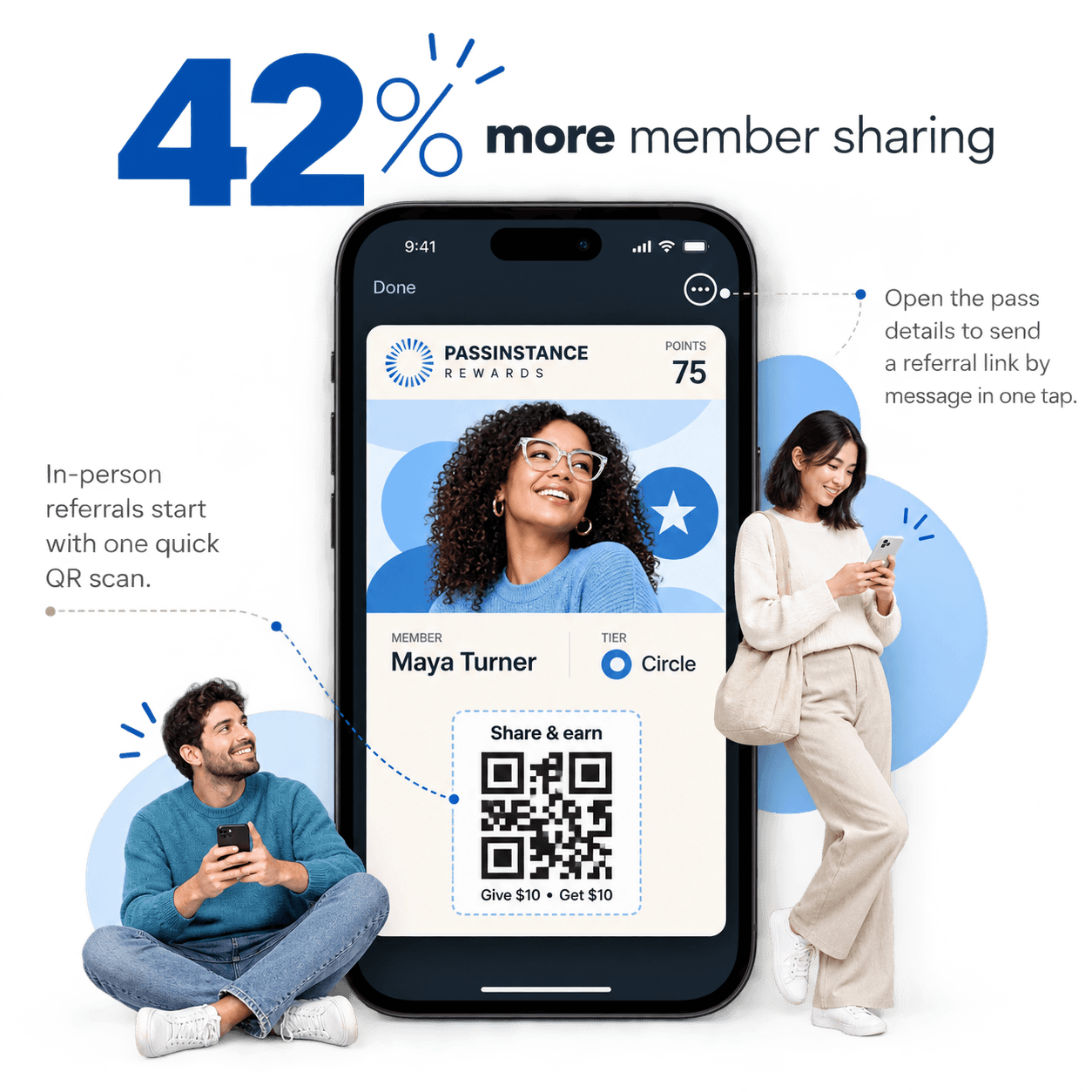
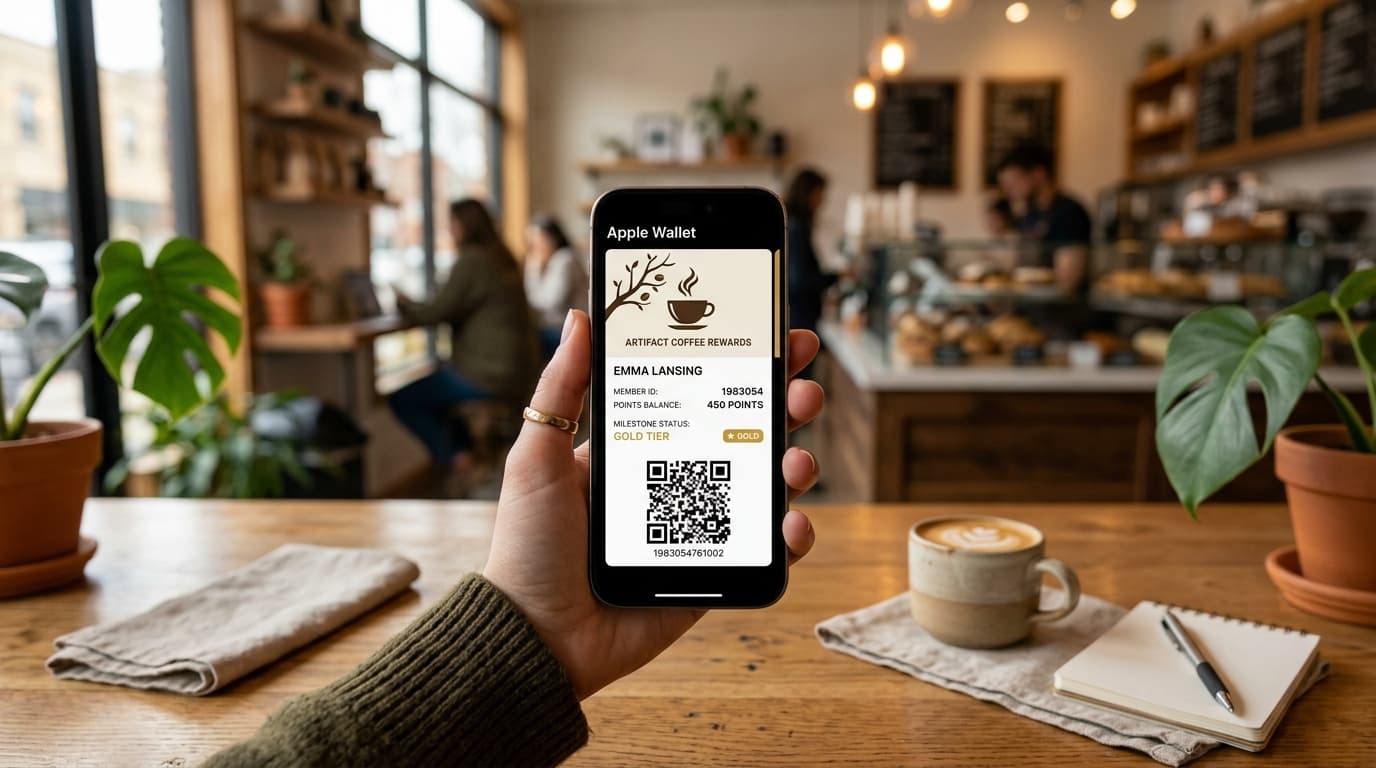
Digital loyalty cards in Apple Wallet and Google Wallet replace physical cards with an interactive, cloud-connected mobile asset that updates in real time upon every transaction.


1. Core Mechanics of a Digital Loyalty Card

SYSTEM ARCHITECTURE FLOW
INTERACTIVE ARCHITECTURE
DIGITAL LOYALTY CARD LIFECYCLE
STAGE 01 Instant Acquisition
Scan tabletop QR / Click SMS link
STAGE 02 Wallet Installation
1-Tap save to Apple or Google Wallet
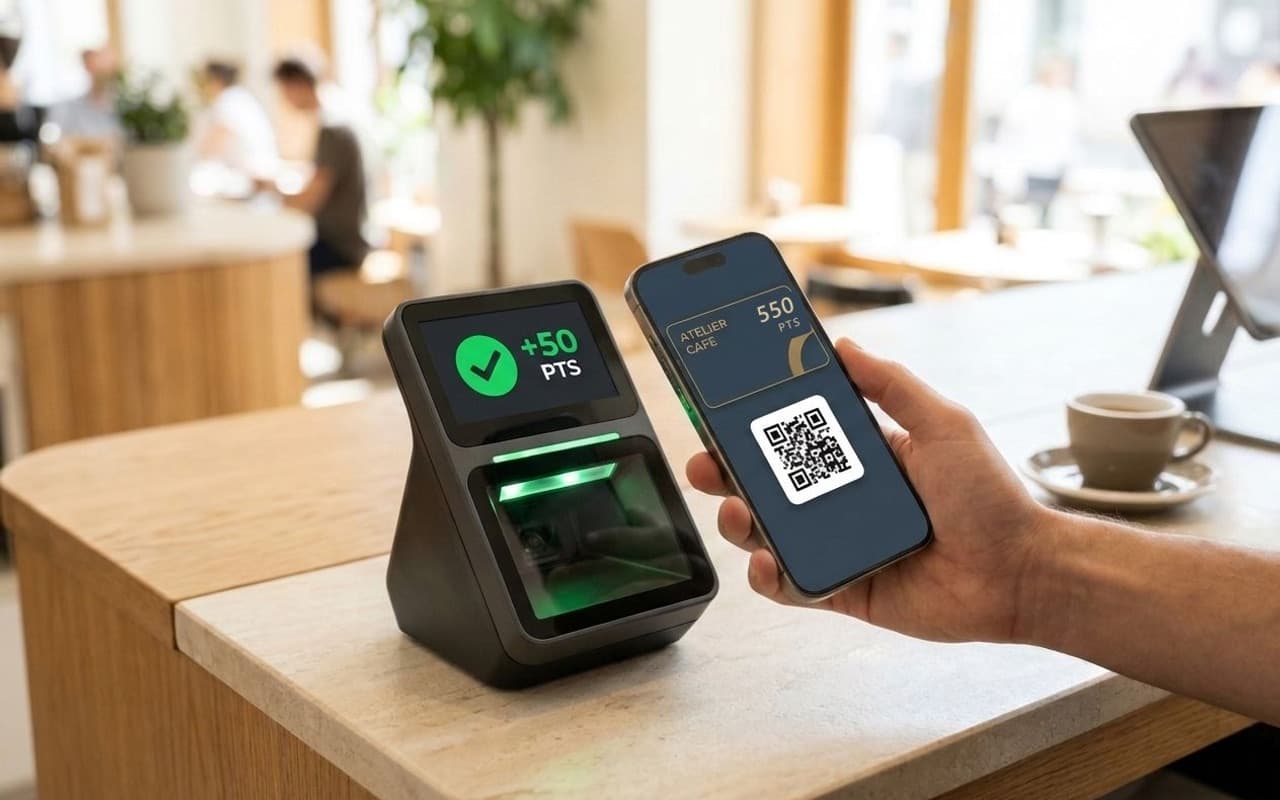
STAGE 03 Transaction Scan
2D barcode scan at checkout counter
STAGE 04 Cloud Calculation
Points multiplier + Tier evaluation
STAGE 05 Real-Time Push
Lockscreen notification & visual update
STAGE 06 Reward Redemption
1-Click perk burn at point of sale

2. Point Systems vs. Digital Stamp Cards

FeaturePoints-Based SystemDigital Stamp CardStored Value / Cashback
Best ForMulti-category retail & ecommerceCoffee shops, salons, quick-serviceHigh-frequency grocery & fuel
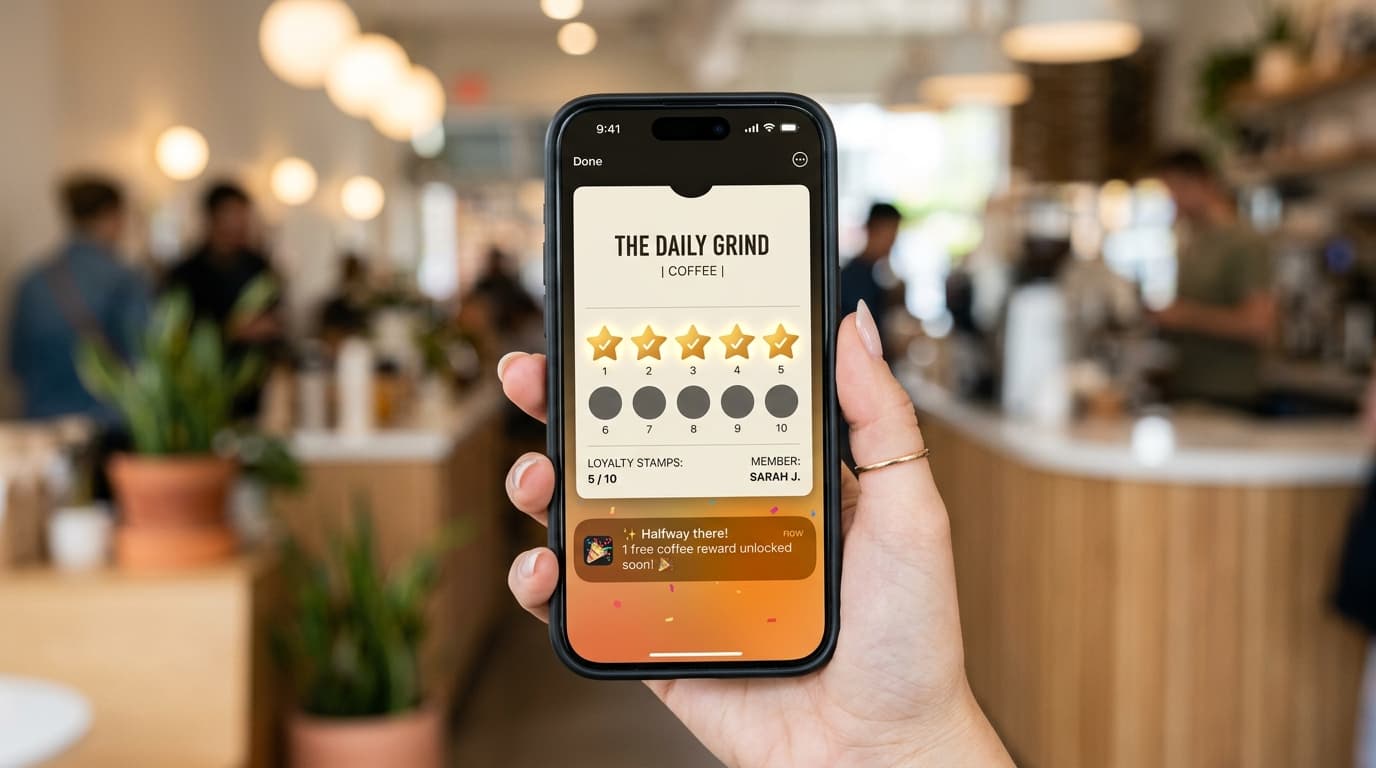
Customer MetricAccrued point balance (e.g., 550 pts)Stamps accumulated (e.g., 7/8)Currency balance (e.g., €25.00)
Upgrade MechanismBronze -> Silver -> Gold VIP tiersFree item reward on Nth visitPercentage rebate on spend
Lockscreen Alert"+50 points earned. Balance: 550""1 stamp away from free coffee!""€5.00 added to your card balance"

3. Dynamic Visual Card Updates

When a customer makes a purchase, Passinstance updates the pass visually in real time:

  • Header Color Shift: Bronze (#CD7F32) to Gold (#D4AF37) upon VIP achievement.
  • Hero Image Swap: Visual stamp card showing newly stamped icons.
  • Custom Back Fields: Detailed digital receipt log and personal member benefits.

Interactive Live Demo
Apple Wallet & Google Wallet

Test a Real Wallet Pass on Your Phone

Experience how digital passes work firsthand. Scan with your smartphone camera or tap below to add this verified pass directly into Apple Wallet or Google Wallet.

Artisan RoastersCafé & F&B
Test QR code for Artisan Roasters

Scan with Phone Camera

Related in this topic

Loyalty, stamp cards, notifications, and offers

Open topic hub

Ready to launch your wallet pass program?

Create your account, design your pass template, and test real passes directly in Apple Wallet and Google Wallet.

Grand Palazzo
Elite
BALANCE1,200 pts
MEMBER NO.GP-84920
HOLDER
VALID UNTIL12/2027
GP-2026-84920