

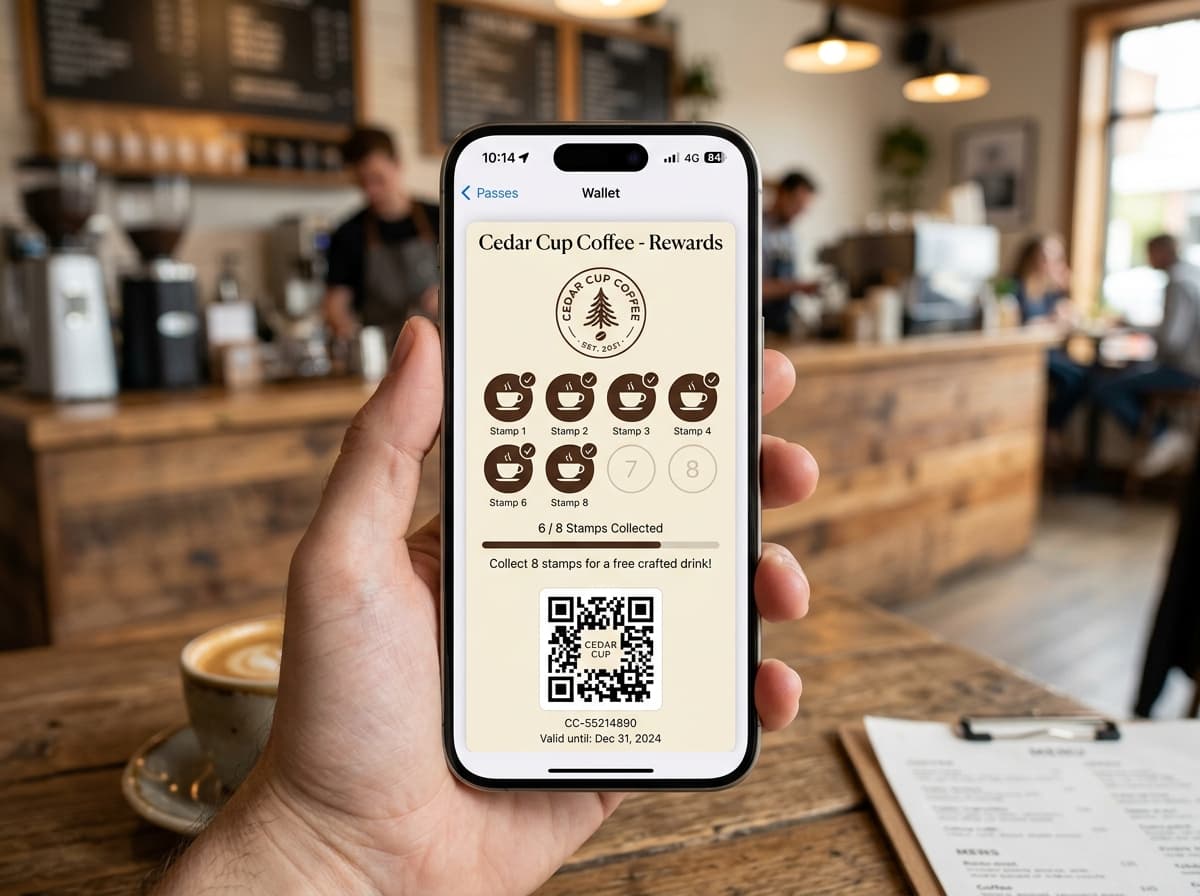
Coffee shops operate on thin margins and lightning-fast transaction speeds. During the morning 07:30 to 09:30 rush, any delay at the register hurts revenue and customer satisfaction.
Mobile wallet passes in Apple Wallet and Google Wallet streamline coffee shop operations: regular customers hold their phone near the 2D imager, the stamp is recorded in 150ms, and the customer pays via Apple Pay without switching screens.
1. The Coffee Shop Setup Blueprint
- •Table & Counter QR Placards: Place durable acrylic stands near the pastry display with high-contrast QR codes ("Scan to get your free coffee stamp card").
- •Instant 10th-Drink Reward: Configure automated rewards (e.g., Buy 9 coffees, get the 10th free).
- •Queue-Busting 2D Scanner: Position a fixed presentation scanner (e.g., Zebra DS9308) facing the customer queue.
- •Geofenced Lockscreen Nudges: Surface the pass on the customer's lockscreen when they walk within 100 meters of your storefront.