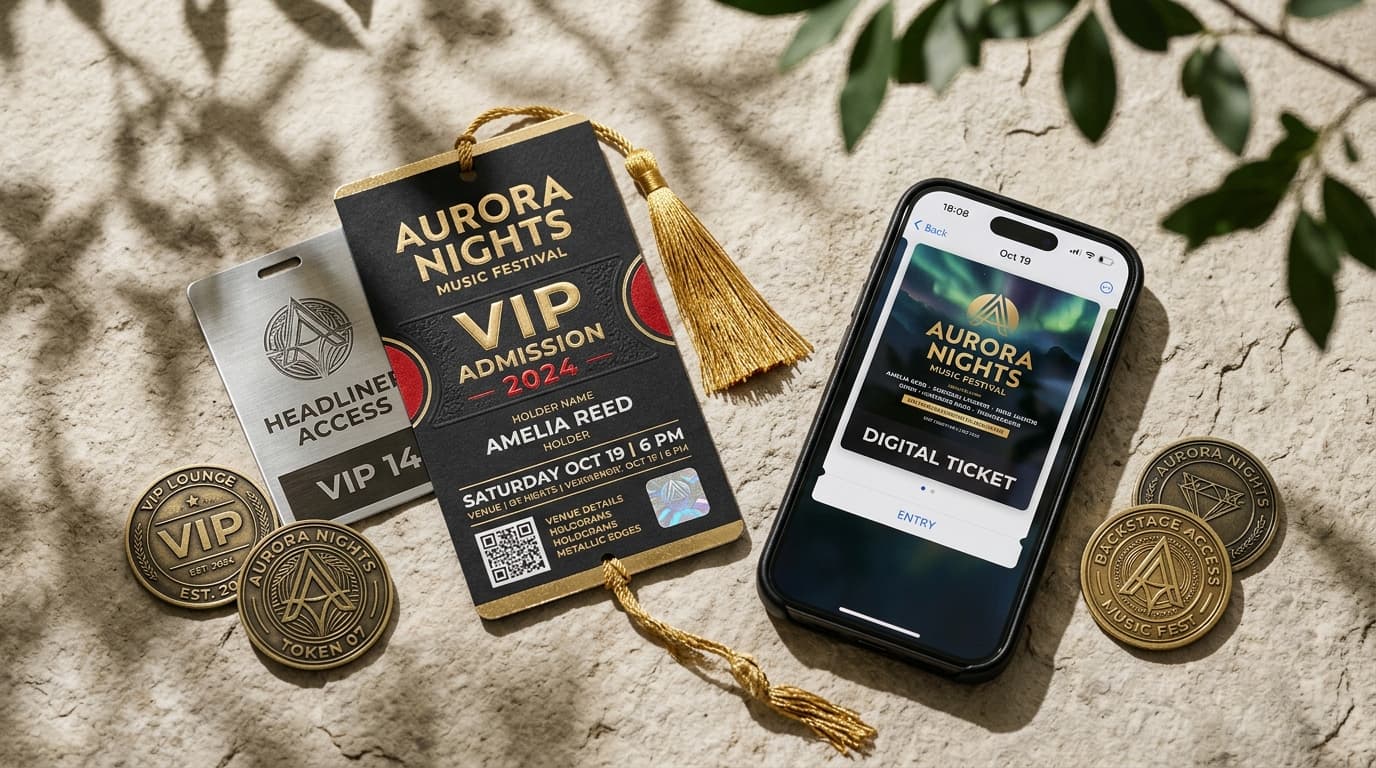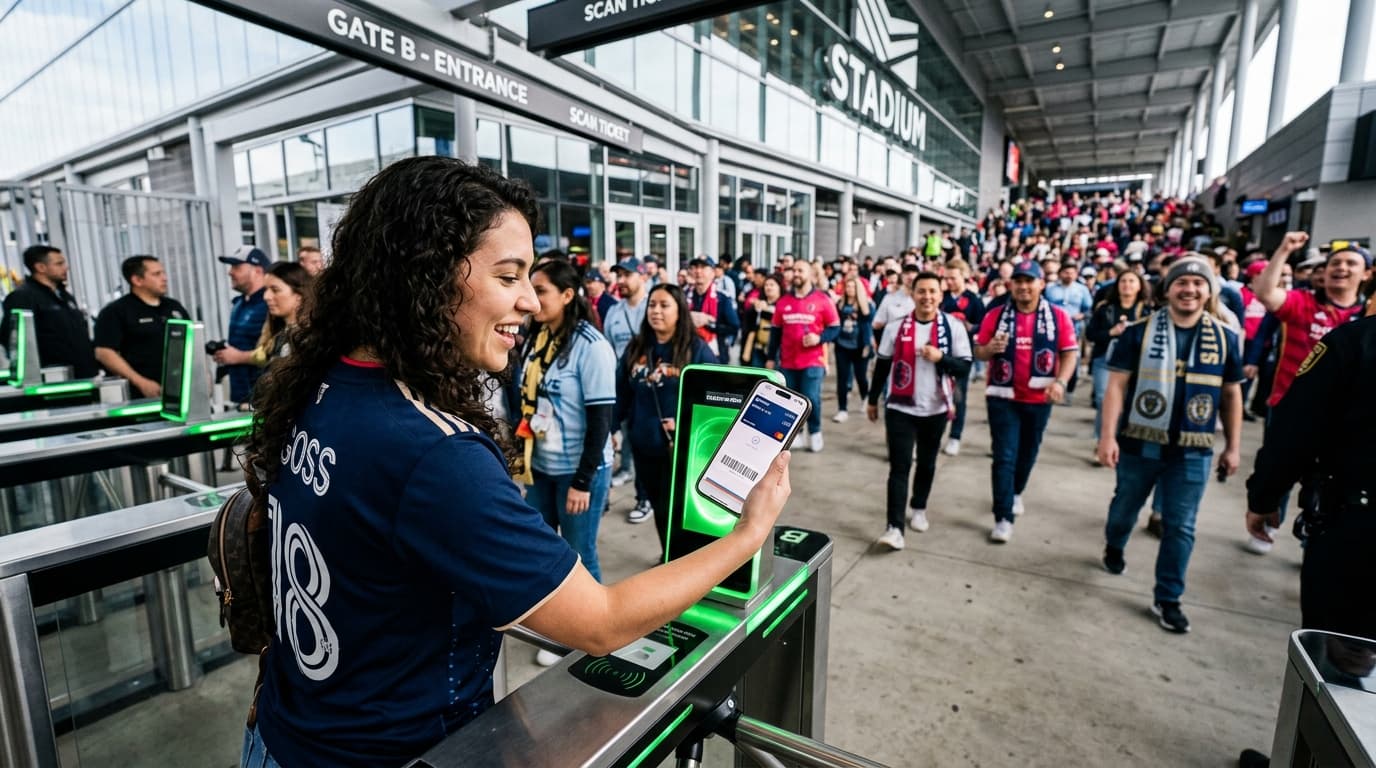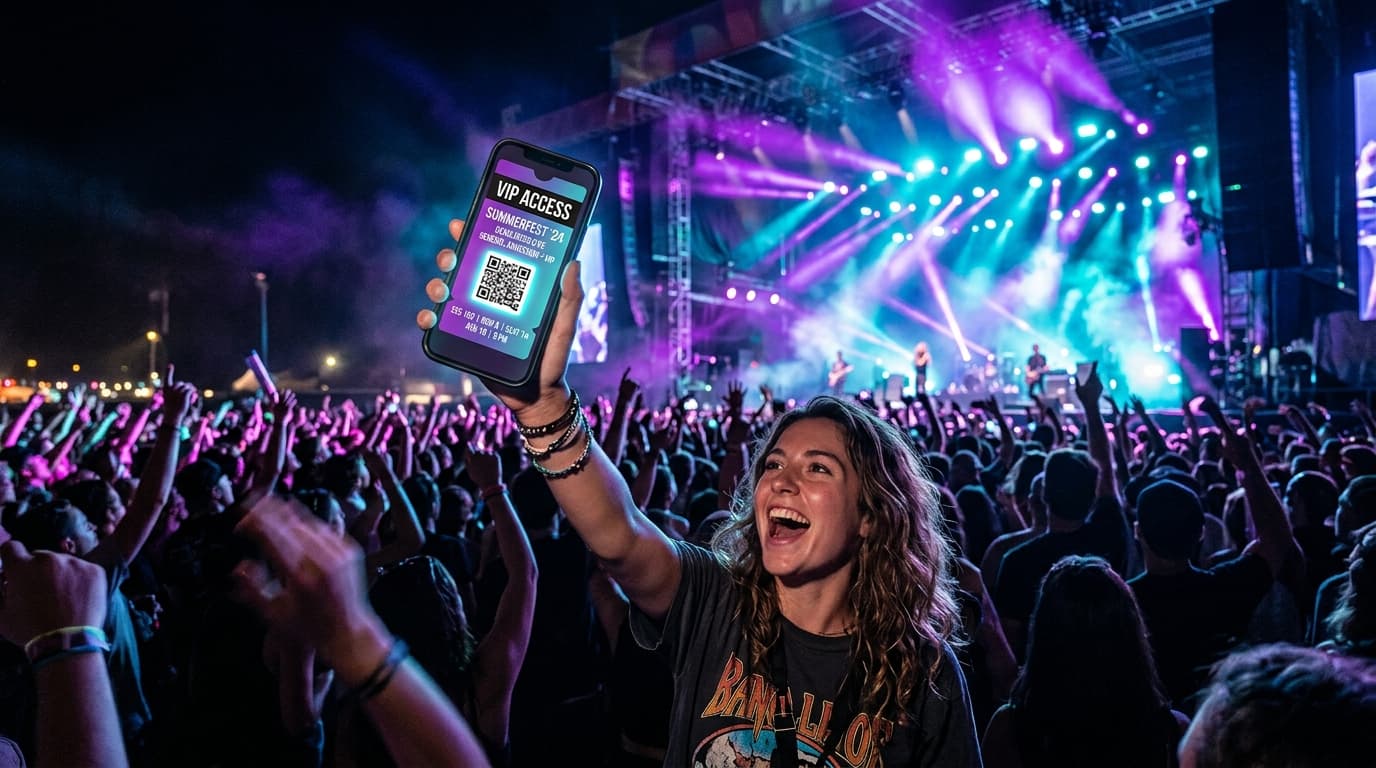
Event organizers face intense operational bottlenecks during morning arrival rush windows when large crowds converge on check-in lanes at once. Traditional paper badges and static PDF email attachments lead to endless search friction, dim mobile screens that struggle on optical scanners, and avoidable customer service queues.
Digital event passes in Apple Wallet and Google Wallet simplify the attendee journey from initial ticket checkout through venue entry. By pairing native Wallet brightness boost, optional offline scanner dataset sync, and timely pass updates, organizers help staff validate admissions cleanly while keeping schedule and gate details handy without building a dedicated event app.
1. The 5-Phase Event Pass Lifecycle
2. Eliminating Gate Queues with Native OS Optimization
When an attendee approaches the convention center, their device automatically recognizes the event coordinates. The pass appears on their lockscreen, allowing them to present their barcode with a single swipe or double-click of the side button.
-
Automatic Screen Brightness Boost: Opening an Apple Wallet pass increases screen brightness to support reliable 2D barcode reading on mobile validators and optical 2D gate imagers.
-
Online + Offline Pre-Synced Scanning: Passinstance Scanner validates passes online against the backend API or, when configured with a pre-synced offline dataset snapshot, records scans locally during intermittent connectivity and syncs when online. Fixed turnstile integration requires compatible optical 2D gate readers and ticketing middleware (NFC Apple VAS / Google Smart Tap requires dedicated certified hardware and provisioning).
-
Seat & Schedule Updates: When a speaker is delayed or a breakout session moves rooms, event staff trigger a Wallet pass update so attendee passes reflect the new schedule and gate details.
3. Post-Event Engagement and Alumni Status
The utility of a wallet pass does not end when the conference closes. Instead of throwing away a plastic badge, attendees keep the pass in their mobile wallet.
Organizers can update the pass graphics, convert the card into an alumni badge, and broadcast early-bird ticket discounts for the following year directly to the attendee lockscreen.