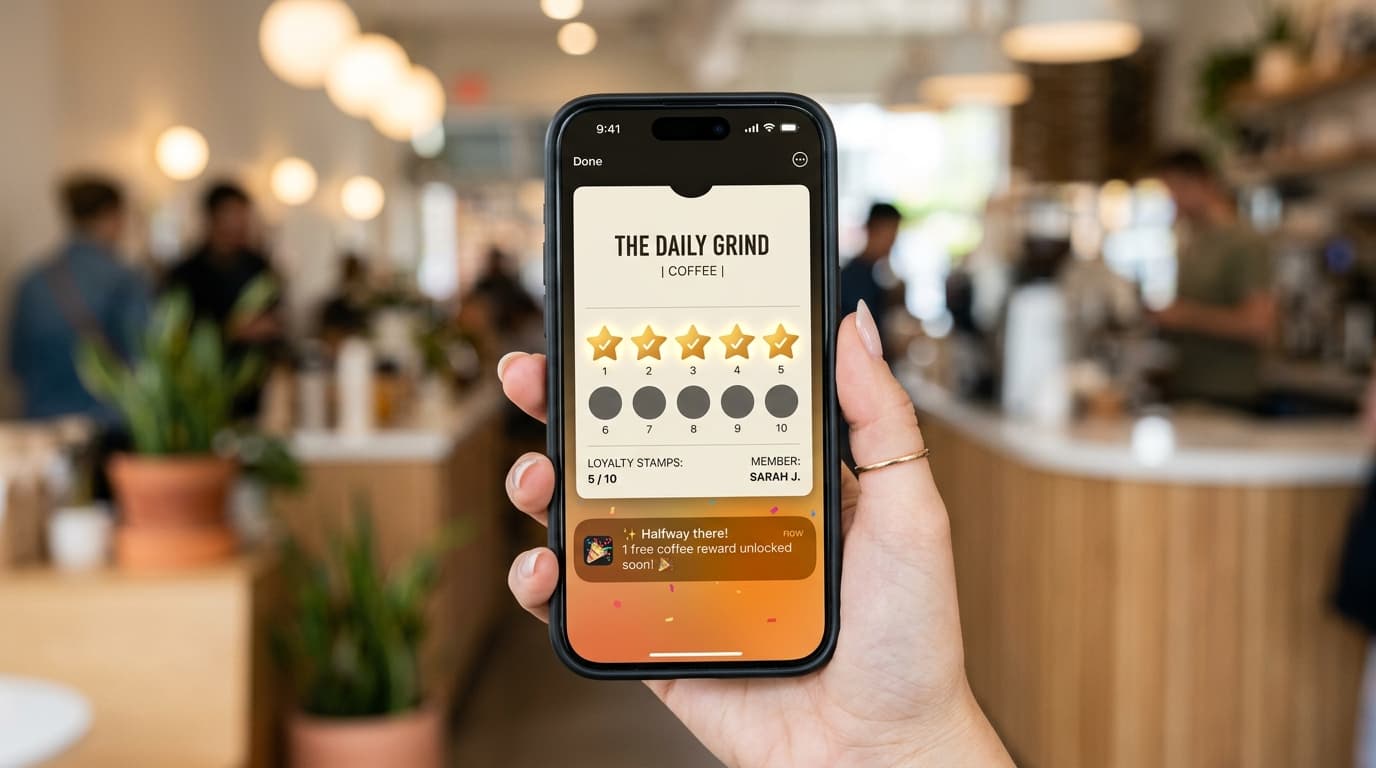
Customer acquisition costs make keeping existing buyers even more valuable across retail, dining, and lifestyle businesses. Yet many brick-and-mortar brands lose prospective loyalty signups when enrollment requires a long paper form at checkout or downloading a standalone mobile app.
By streamlining loyalty identification to a contactless optical scan directly from Apple Wallet and Google Wallet, retail operators can remove a major source of loyalty friction within days of onboarding. Visit uplift depends on offer design, staff training, and category — treat the workflow below as a playbook, not a guaranteed multiplier.
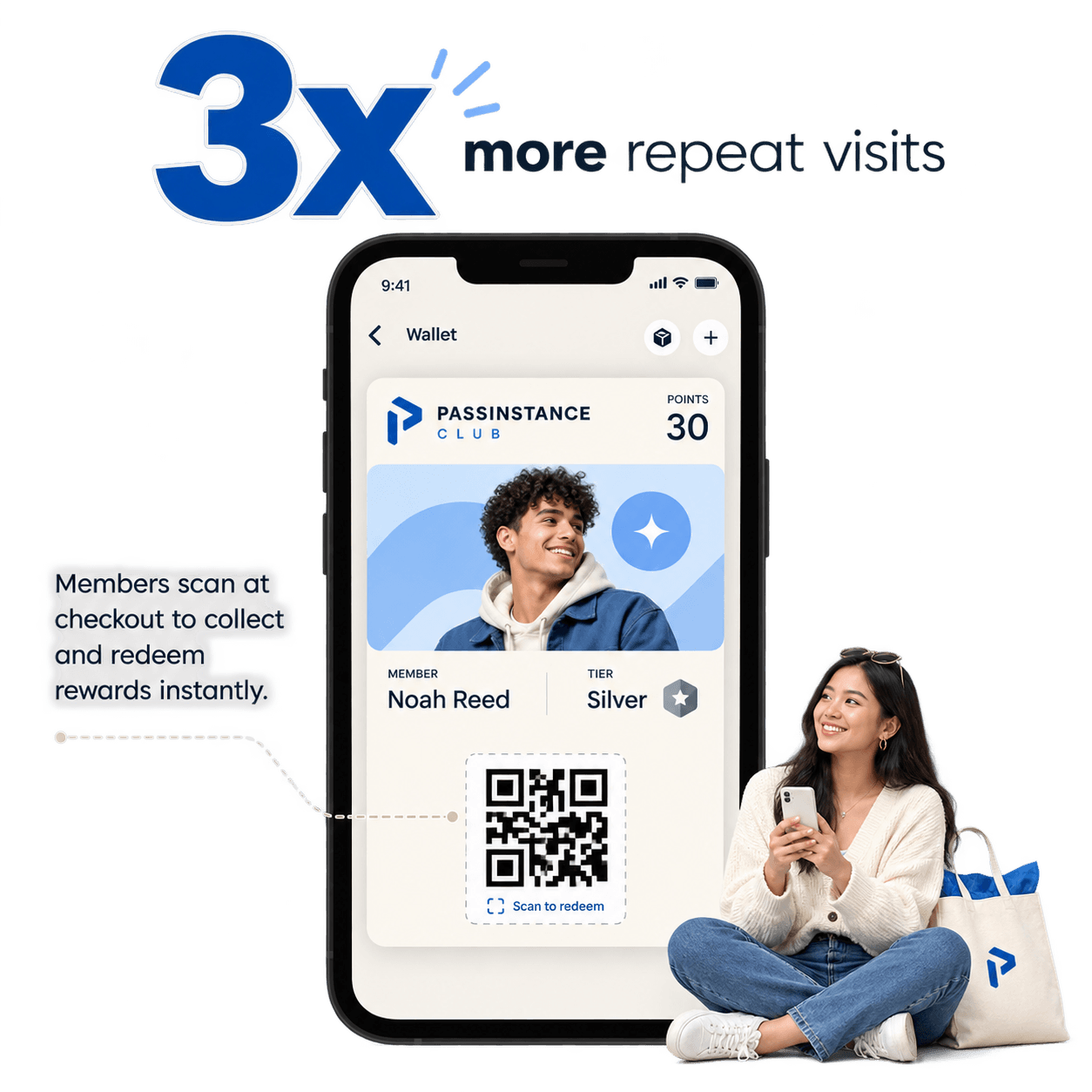
1. The Frictionless Checkout Scan Cycle
2. Why Wallet Passes Outperform Physical Plastic and Apps
| Retention Driver | Plastic Cards | Native Mobile App | Passinstance Wallet Pass |
|---|---|---|---|
| Onboarding Time | 2–5 minutes | 3–6 minutes (App Store) | Single-tap QR / link add flow |
| Carrying Rate | Often forgotten | Deleted to save storage | Permanent in native wallet |
| Scan Reliability | Magnetic strip wear | Screen glare & brightness | Automatic max brightness boost |
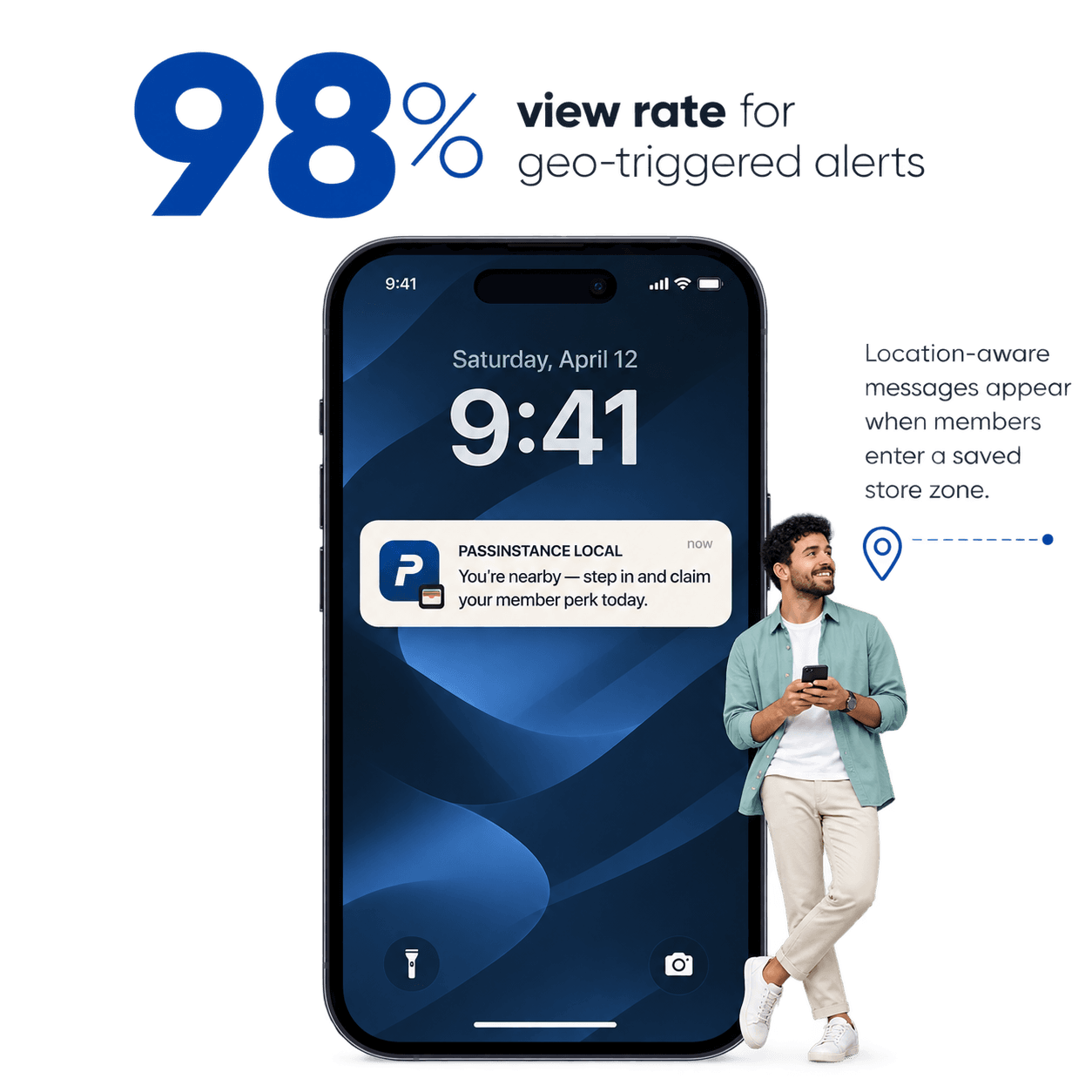
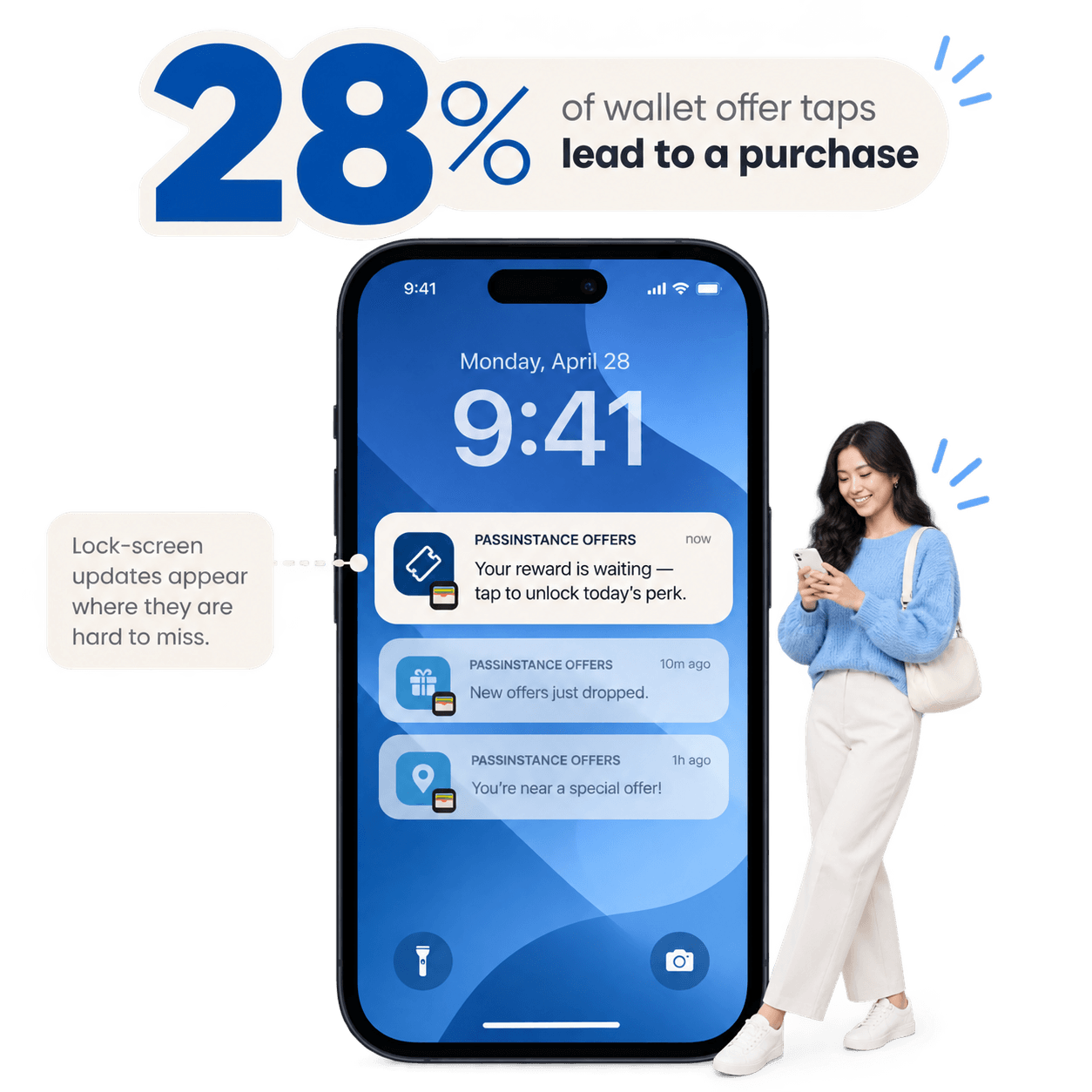
| Lock Screen Alerts | None | Easily muted | Context-aware push delivery |
| Identification Friction | High | Medium | Lowest (native wallet scan) |
3. Fast POS Barcode Integration
Passinstance passes support all standard retail optical symbologies:
-
QR Code: Fast 2D omnidirectional scanning on counter presentation scanners (Zebra, Honeywell, Datalogic).
-
PDF417: Standardized high-density 2D barcode format compatible with legacy airline and retail terminals.
-
Code 128 / Aztec: High-contrast linear and 2D matrix symbologies designed for fast laser and CCD cameras.
When the scanner reads the barcode, Passinstance's POS webhook receives the transaction, calculates point multipliers or stamp rewards and pushes an updated pass payload to the customer's phone when Apple/Google accept the update.
4. Operational Tips for Store Managers
-
1Place Counter QR Onboarding Badges at Eye Level: Enable shoppers to install their pass while waiting in queue before reaching the register.
-
2Train Staff on 1-Second Prompting: Staff simply asks, "Do you have your Passinstance digital card to scan?"
-
3Automate 24-Hour Post-Visit Thank You Triggers: Send a timely lock-screen update thanking the member for their visit and displaying their newly unlocked perk.
Explore our In-Store POS Scanner Guide or read our Retail Loyalty Solutions.