

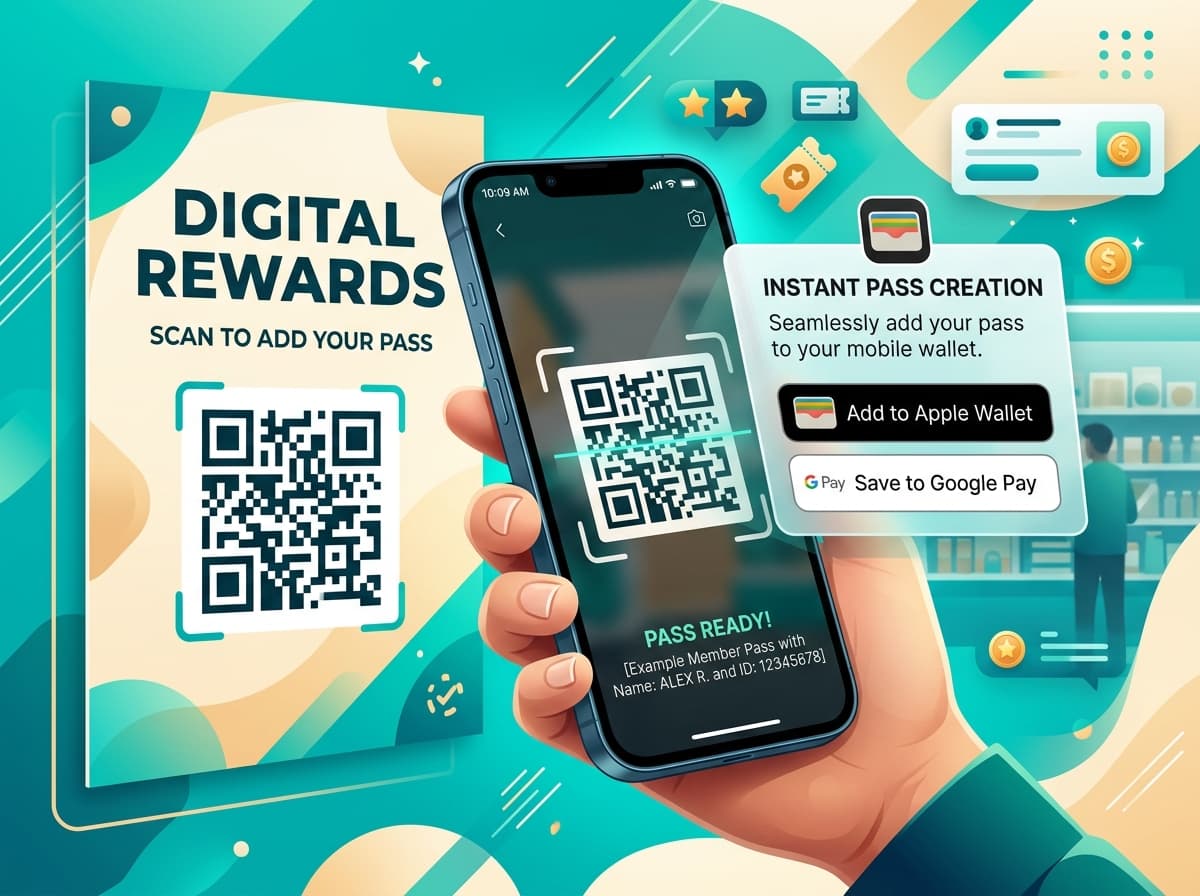
Mobile wallet pass push notifications are uniquely powerful because they bypass noisy app notification centers and render directly as high-priority, branded alerts on the user's lockscreen.
Unlike standard marketing apps where up to 75% of notifications are silenced or disabled, wallet pass updates achieve an average view rate exceeding 88% because they represent transactional updates to a stored digital asset (such as an updated loyalty points balance, an upcoming flight departure gate, or a digital event ticket).
This technical guide explores the end-to-end architecture of pass push delivery across iOS and Android, including APNs payload structures, silent background pulls, and lockscreen change messages.
1. APNs & Google Wallet Push Architecture
┌────────────────────────────────────────────────────────────────────────┐
│                   WALLET PUSH NOTIFICATION SEQUENCE                    │
├────────────────────────────────────────────────────────────────────────┤
│                                                                        │
│  1. Business Event Trigger (POS, E-Commerce, or CRM)                   │
│     Points added / Gate changed / Stored value credited                │
│                               │                                        │
│                               ▼                                        │
│  2. Silent Push Wakeup Signal                                          │
│     Passinstance sends APNs (Apple) / Google Pay push notification     │
│                               │                                        │
│                               ▼                                        │
│  3. Device OS Secure Pull                                              │
│     iOS / Android queries Passinstance API: GET /v1/passes/type/id     │
│                               │                                        │
│                               ▼                                        │
│  4. Diff Evaluation & Haptic Lockscreen Alert                          │
│     OS detects field changes and displays lockscreen notification banner│
│                                                                        │
└────────────────────────────────────────────────────────────────────────┘- •Transaction Event: A customer completes a transaction at a store checkout or online store.
- •Push Token Dispatch: Passinstance looks up the registered push tokens for the pass and dispatches a silent APNs push notification to Apple servers or a REST update to Google Pay servers.
- •OS Pass Pull: Upon receiving the silent wakeup signal, the user's iPhone or Android device establishes an encrypted HTTPS connection to Passinstance and downloads the updated pass bundle.
- •Local Diffing & Lockscreen Alert: The operating system compares the newly downloaded pass with the previously cached version. Any field configured with a
changeMessagetriggers an audible chime, haptic vibration, and a prominent lockscreen banner.
2. Lockscreen Change Messages vs. Silent Updates
When defining pass fields in Apple Wallet (pass.json), developers can control which updates notify the user:
- Visual Lockscreen Notifications: Adding the
changeMessageproperty with a%@placeholder format (e.g., "Points balance updated: %@") causes the OS to display a banner whenever the field value changes. - Silent Background Updates: Omitting
changeMessageallows your backend to silently update terms and conditions, barcode payloads, or backend URLs without interrupting the user.
3. Best Practices for Lockscreen Notification Etiquette
- •Keep Updates Transactional: Consumers tolerate frequent updates when they are directly tied to their actions (e.g., earning points after a purchase). Avoid using pass push notifications for generic broadcast marketing.
- •Respect Time Zones & Quiet Hours: Never dispatch non-urgent pass updates between 21:00 and 08:00 in the customer's local time zone.
- •Clear Numerical Context: Always show the increment and the new total (e.g., "+50 pts earned. New Balance: 550 pts").