Skip to content

Location

Geofencing wallet passes

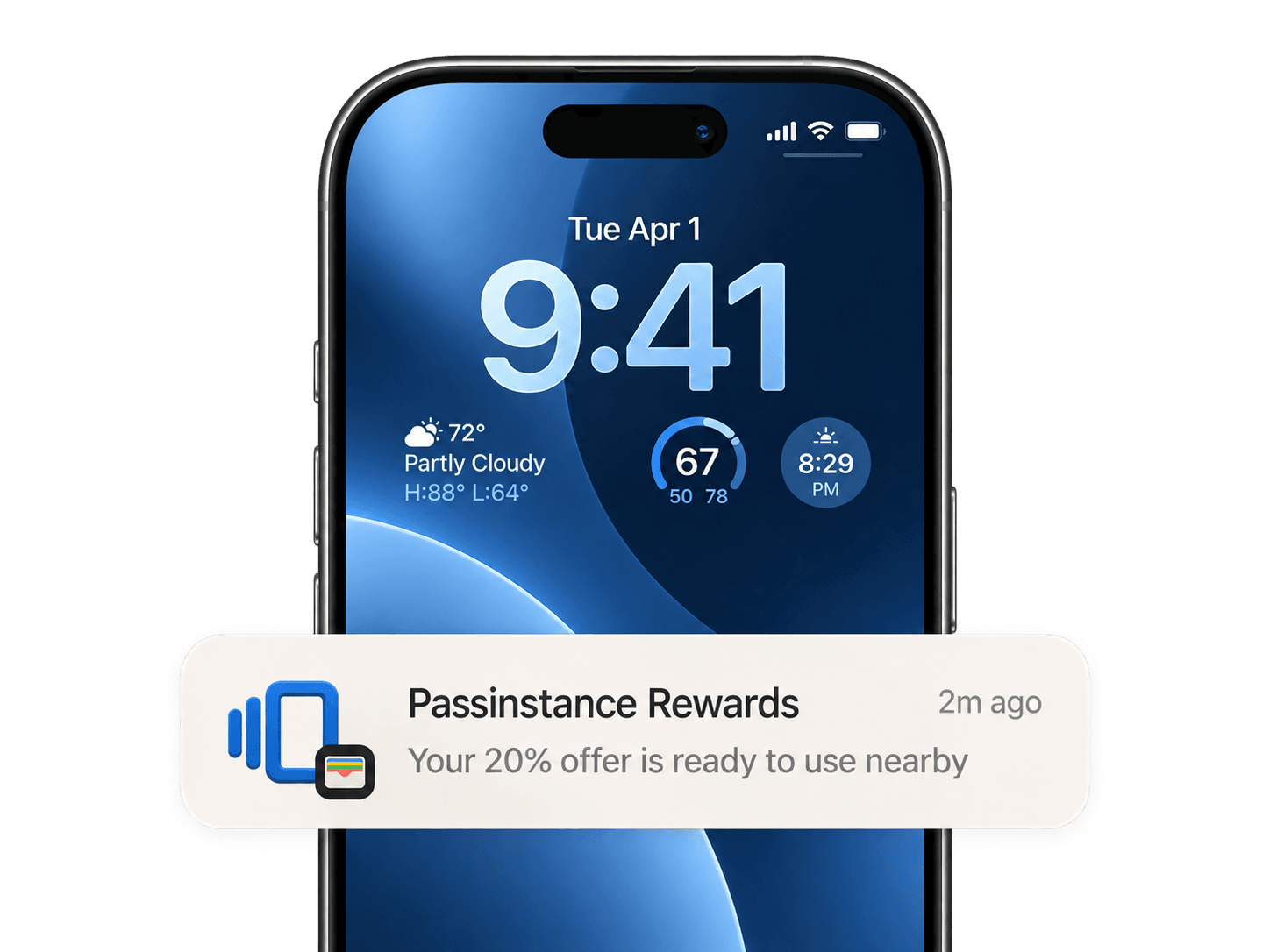
Trigger lock-screen wallet notifications with geofencing — surface Apple Wallet and Google Wallet passes when customers are near your store, venue, or pickup point.

  • Relevant locations on each pass
  • Lock-screen reminders nearby
  • Time-based triggers too
Works onApple WalletGoogle Wallet

Overview

Geofencing wallet passes use relevant locations attached to a pass so it appears on the lock screen when a customer is near a place that matters — your shop, a venue entrance, or a curbside pickup zone. It is a privacy-friendly way to re-engage without a separate app.

Combine location triggers with time-based reminders and live updates so loyalty cards, tickets, and offers show up at the right moment instead of getting lost in email or SMS.

What you get

Everything to run wallet passes in production

Relevant locations per pass

Attach one or more locations to a pass so Apple Wallet and Google Wallet can surface it when the customer is nearby.

Location and time triggers together

Pair geofences with scheduled reminders to reach customers at the right place and the right time.

Apple Wallet support

Issue native Apple Wallet passes — loyalty cards, tickets, coupons, membership, and generic passes — signed and ready to add on iPhone and Apple Watch.

Google Wallet support

Publish the same pass to Google Wallet for Android, so a single template reaches customers on both platforms without duplicate work.

Wallet pass API

Create, update, and revoke passes programmatically with a REST API and webhooks for install, update, and redemption events.

QR codes and download links

Distribute passes through hosted Add to Wallet pages, QR codes, email, SMS, or POS — customers install in one tap, no app required.

Update notifications

Push live field changes and lock-screen notifications when a balance, status, gate, or offer changes — passes stay current on every device.

Geolocation and relevant locations

Attach relevant locations so a pass surfaces on the lock screen when a customer is near your store, venue, or pickup point.

Dates, expiry, and lifecycle

Set relevant dates and expiration, extend validity on scan, and manage the full pass lifecycle from issue to revoke.

Analytics and tracking

Track installs, removals, scans, and redemptions per pass and cohort, with CSV and API exports for your own reporting.
FAQ

Frequently asked questions

How does geofencing work for wallet passes?

You attach relevant locations to a pass. When the customer's device is near one of those locations, Apple Wallet or Google Wallet can surface the pass on the lock screen, prompting them to use it.

Do geofencing wallet passes require an app?

No. The behavior is handled natively by Apple Wallet and Google Wallet using the locations on the pass, so customers do not need to install a separate app.

Is location data shared with the business?

Location relevance is handled on the device by the wallet. You configure the relevant locations on the pass; the wallet decides when to surface it based on proximity.

Can I combine location with time-based reminders?

Yes. You can use both relevant locations and scheduled updates so passes appear at the right place and the right time.

Add geofencing to your wallet passes

Start free and attach relevant locations to Apple Wallet and Google Wallet passes so they surface when customers are nearby.