

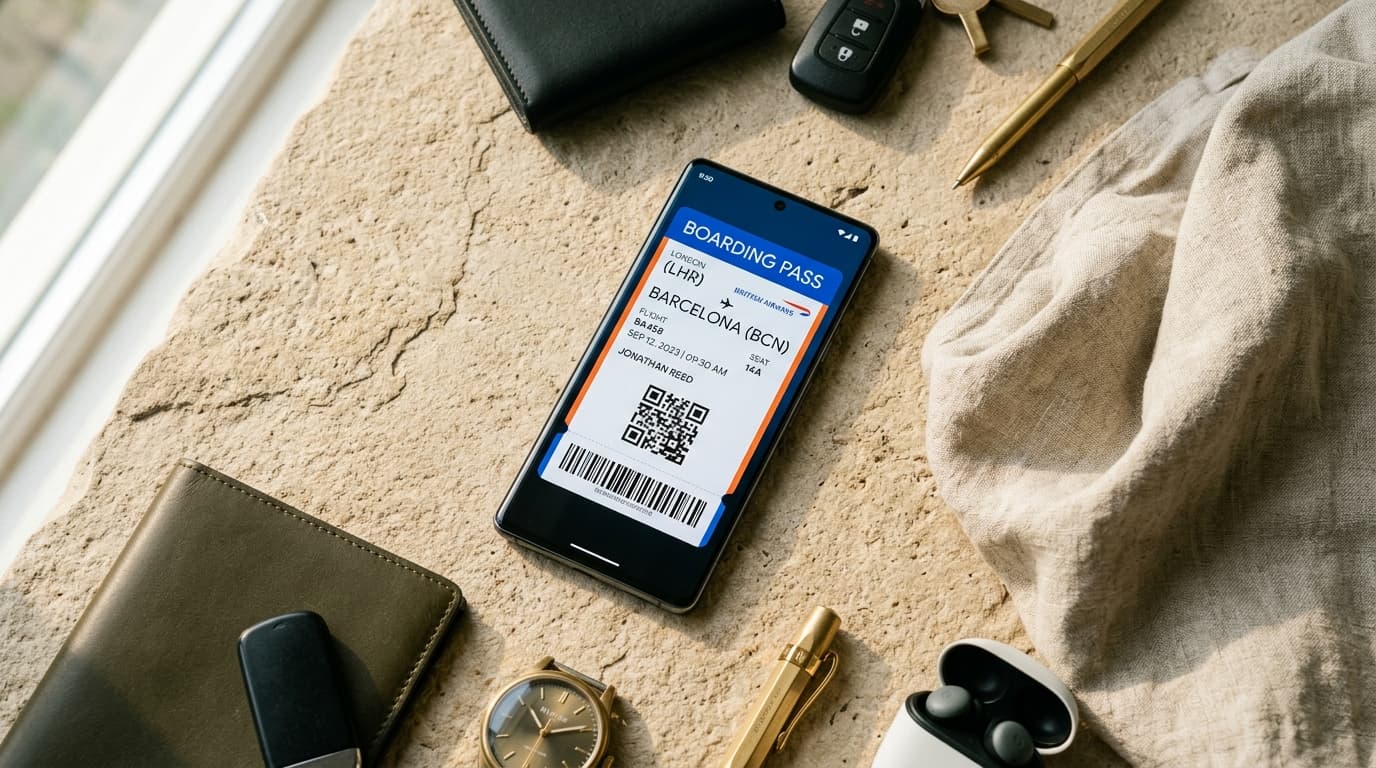
Google Wallet provides Android users with a pre-installed, secure hub for managing digital loyalty cards, event tickets, offers, gift cards, boarding passes, and membership credentials.
This complete 2026 guide breaks down Google Wallet API architecture, issuer credentials, Class vs. Object relationships, signed JWT save links, and real-time Android push updates.
1. Google Wallet Architecture: Classes vs. Objects
Unlike Apple Wallet's single .pkpass bundle, Google Wallet separates pass data into a Class and an Object:
* Pass Class: Defines master layout properties, brand assets, logo, primary color, issuer name, and broad program terms shared across all users. * Pass Object: Defines user-specific state, customer name, individual serial/barcode numbers, current points balance, and expiration date.
Google Wallet Class (Master Template)
      │
      ├──> User Object A (Jane Doe • 1,250 Points)
      ├──> User Object B (John Smith • 500 Points)
      └──> User Object C (Alex Morgan • Gold Tier)
2. Google Pay & Wallet Console Setup
To issue Google Wallet passes natively:
- •Issuer Account: Request an Issuer Account in the Google Pay & Wallet Console.
- •Service Account Credentials: Create a Google Cloud Service Account, grant it
Google Wallet API Developerpermissions, and download the RSA private key JSON. - •Class Definition: Publish a Pass Class (e.g.
issuerId.loyalty_class_2026) via Google Wallet REST API.
3. Generating Signed JWT "Add to Google Wallet" Links
Google Wallet passes are distributed using cryptographically signed JSON Web Tokens (JWTs) embedded inside standard HTTPS URLs:
import jwt from "jsonwebtoken";

const claims = {
  iss: serviceAccount.client_email,
  aud: "google",
  typ: "savetowallet",
  iat: Math.floor(Date.now() / 1000),
  payload: {
    loyaltyObjects: [
      {
        id: "338810294.user_pass_jane_2048",
        classId: "338810294.loyalty_class_v1",
        state: "ACTIVE",
        accountName: "Jane Doe",
        accountId: "MEM-2048",
        barcode: {
          type: "QR_CODE",
          value: "PASS-LOYALTY-8842",
        },
      },
    ],
  },
};

const token = jwt.sign(claims, serviceAccount.private_key, { algorithm: "RS256" });
const saveUrl = `https://pay.google.com/gp/v/save/${token}`;
When an Android customer clicks this link or scans a QR code, Google Wallet verifies the JWT signature and adds the pass directly to their device.
4. Over-The-Air Updates via Google Wallet REST API
When a customer earns points or redeems a reward, you update the pass on Android devices by sending a PATCH request to the Google Wallet REST API:
PATCH /walletobjects/v1/loyaltyObject/338810294.user_pass_jane_2048 HTTP/1.1
Host: walletobjects.googleapis.com
Authorization: Bearer <OAuth2_Token>
Content-Type: application/json

{
  "loyaltyPoints": {
    "label": "Points",
    "balance": {
      "int": 1500
    }
  }
}
Google's backend updates the Android device in real time and triggers a native notification shade alert.
5. Automated Google Wallet Issuance with Passinstance
Passinstance unifies Apple Wallet and Google Wallet behind a single API call and editor interface:
import { Passinstance } from "@passinstance/sdk";

const client = new Passinstance({ apiKey: process.env.PASSINSTANCE_API_KEY });

// Publish pass to both Apple Wallet and Google Wallet from one template
const pass = await client.passes.create({
  templateId: "tpl_retail_rewards",
  data: {
    customerName: "Jane Doe",
    points: 1500,
  },
});

console.log("Add to Google Wallet Link:", pass.googleWalletUrl);