

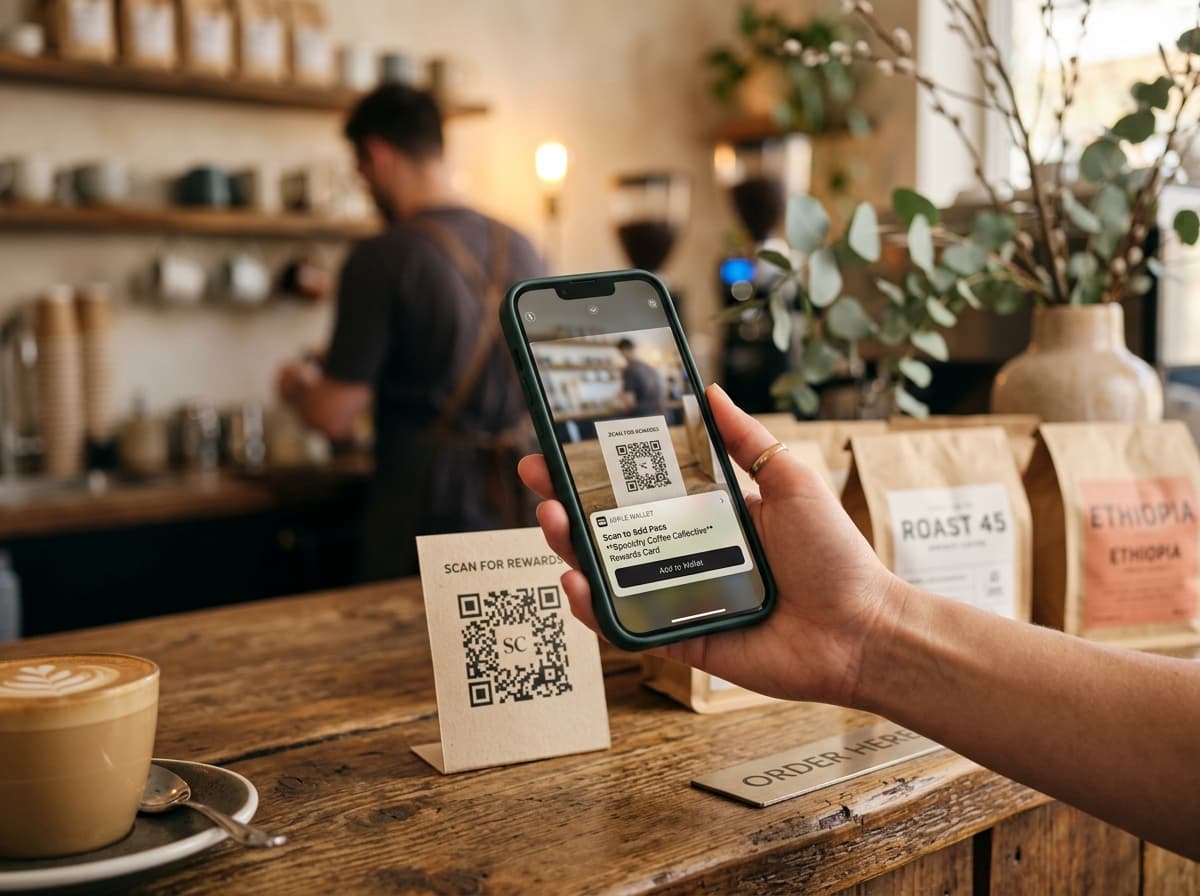
QR codes represent the fastest, lowest-friction bridge between offline physical environments and mobile wallet pass installation. Unlike traditional mobile applications that require downloading a heavy app from an app store, creating an account, and verifying an email, a wallet pass QR code triggers a native 2-tap install flow in Apple Wallet or Google Wallet in under five seconds.
1. The Dynamic Hosted Landing Page Architecture
When a customer scans a Passinstance QR code with their smartphone camera, the system handles device detection and instant pass rendering:
- •Camera Scan & Deep Linking: The customer points their native camera app at the printed or digital QR code, which opens a secure hosted URL.
- •User-Agent Detection: Passinstance's edge servers inspect the device operating system (iOS vs. Android) and browser environment.
- •Adaptive Add-to-Wallet Delivery:
.pkpass bundle, prompting the native Apple Wallet preview sheet with one-tap "Add".
- Android / Chrome: Generates a signed Google Wallet JWT and presents the official "Save to Google Wallet" button.
- Desktop / Tablet: Displays a clean landing page with a scan-to-phone QR code so the user can seamlessly transfer the pass to their handheld device.
[Physical QR Code]
        │ (Scan with Camera)
        ▼
[Passinstance Edge URL]
   ├── iOS ────► Native Apple Wallet PKPass Prompt (1-Tap Add)
   ├── Android ► Native Google Wallet Save Token (1-Tap Add)
   └── Desktop ► Responsive Pass Preview + Mobile Transfer QR
2. High-Converting Physical Placement Touchpoints
To maximize customer adoption and wallet retention, position QR codes across natural friction points and high-attention moments:
* POS & Checkout Counters: Acrylic standees placed beside contactless card readers capture customers while their payment is processing. * Receipts & Order Invoices: Dynamic QR codes printed at the bottom of thermal receipts turn every purchase into an immediate loyalty enrollment opportunity. * Product Packaging & Inserts: High-end unboxing cards and product labels encourage ongoing engagement long after the customer leaves the store. * Table Tents & Digital Displays: Restaurants, cafes, and hospitality venues leverage tabletop NFC/QR cards for instant stamp card rewards.
3. Location-Specific Attribution & Source Tracking
When running multi-location chains or omnichannel campaigns, measuring conversion rates across channels is essential:
* Unique Location Tokens: Assign distinct QR endpoints to each store, counter, or marketing collateral type. * UTM & Campaign Parameters: Append custom parameters (e.g., ?utm_source=instore&utm_medium=counter_stand&utm_campaign=summer_2026) to evaluate top-performing venues. * Real-Time Analytics: Monitor scans, pass installations, and subsequent redemption events directly from your Passinstance dashboard.
4. Post-Installation Engagement & Lifetime Value
The value of a wallet pass begins after the initial QR code scan. Once saved to the customer's device:
- •No App Store Churn: Passes stay accessible directly on the lockscreen and wallet stack without occupying device storage.
- •Proximity Geofencing: Trigger lockscreen alerts when the customer enters a 100-meter radius of any participating store location.
- •Real-Time Balance & Tier Updates: Push instant point updates, stamp validations, and seasonal promotions without requiring user app updates.
Summary & Getting Started
By pairing durable, location-aware QR codes with Passinstance's automated pass generation API, brands achieve 3x higher adoption rates compared to legacy mobile loyalty apps.
Test a live sample pass or configure your first dynamic QR code campaign in the Passinstance Management Dashboard.