

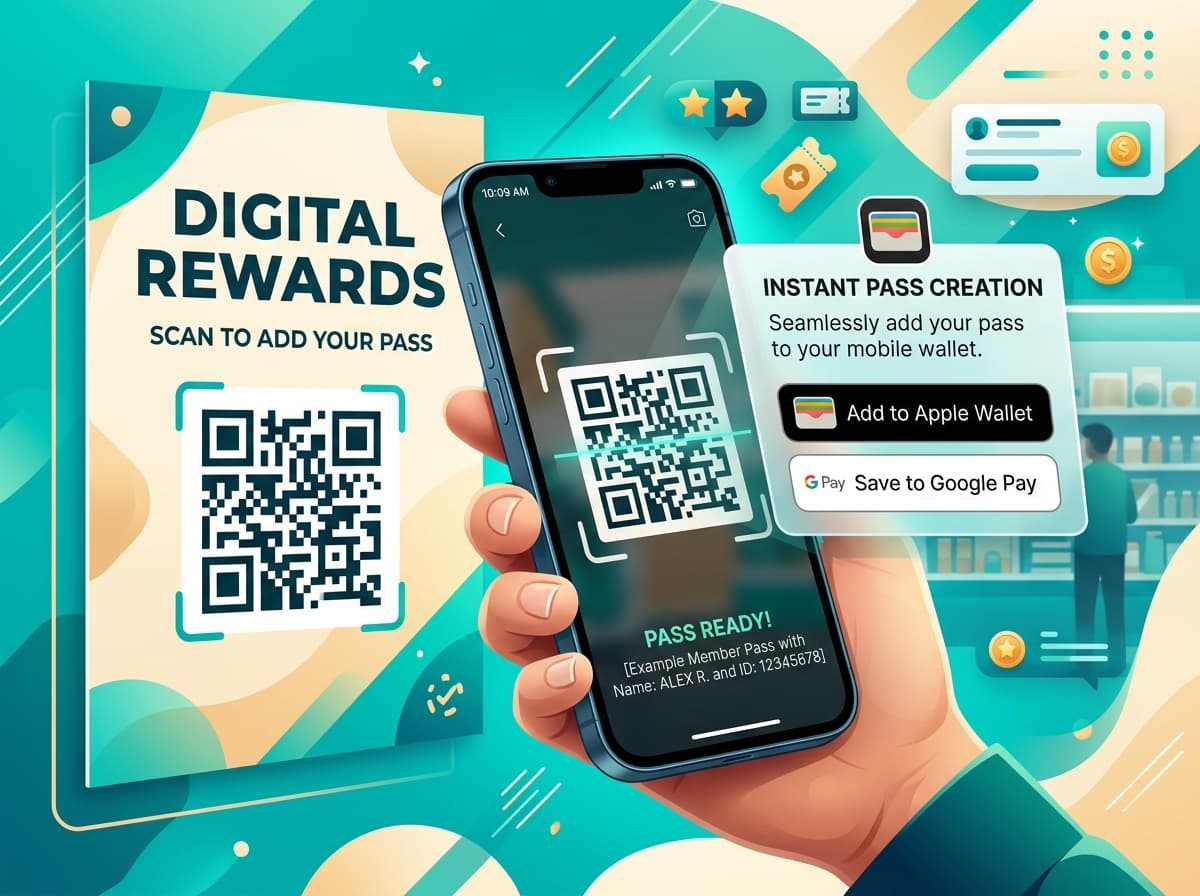
The biggest point of failure in traditional loyalty and membership programs is the acquisition hurdle. Forcing a customer to download a native mobile app results in a 70% to 85% drop-off rate before registration is even completed.
Web-to-wallet onboarding flips this model: by presenting a clean mobile-optimized landing page, customers save their loyalty pass or digital membership card directly into Apple Wallet or Google Wallet with a single tap.
1. The 1-Tap Onboarding Funnel
text
passinstance
┌──────────────────┐       ┌──────────────────────┐       ┌──────────────────────┐
│  Traffic Source  │       │ Instant Mobile Page  │       │ Native Mobile Wallet │
│  In-Store QR /   │──────>│ 1-Click "Add to"     │──────>│ Stored & Active      │
│  SMS / Web Link  │       │ Wallet Preview Card  │       │ Ready for First Scan │
└──────────────────┘       └──────────────────────┘       └──────────────────────┘
(100%) (88%) (74%)- •Trigger: The customer scans a tabletop QR code, clicks an SMS link after checkout, or taps a mobile banner.
- •Dynamic Preview: The web page renders a realistic 3D preview of the customer's pass showing their initial welcome reward or points.
- •1-Tap Add: The page detects iOS or Android and presents the official Add to Apple Wallet or Add to Google Wallet button.
- •Immediate Lockscreen Presence: Once added, the pass appears on the phone with zero login or password friction.
2. Top 4 Best Practices for Maximum Conversion
- •Eliminate Mandatory Form Fields: Ask only for essential information (e.g., first name or phone number) or pre-fill it via checkout webhooks.
- •Display an Immediate Welcome Benefit: Clearly state the reward unlocked upon adding the pass (e.g., "+100 Welcome Points" or "Free Espresso on Next Visit").
- •Use Official Wallet Badges: Consumers recognize and trust official Apple Wallet and Google Wallet logos, increasing click-through rates by 32%.
- •Automate SMS Backup Links: Send an instant confirmation SMS with the pass download link for multi-device sync.