
Overview
Loyalty & Stamp Cards digitize traditional paper punch cards ("Buy 8 coffees, get the 9th free") into interactive native mobile wallet passes. Customers never lose their card, staff complete checkout punches in two seconds using optical QR scanning, and merchants drive repeat visits through automated lock-screen notifications.
Backend Architecture & Mechanic Enums
Digital stamp cards combine visual strip imagery with deterministic rule execution in Pass Mechanics Engine:
-
Pass Type (pass type):
storeCard. -
Catalog Demo Blueprints:
restaurant-stamp-cardandcoffee-loyalty. -
Mechanic Types (mechanic type):
- STAMP_CARD_ADD: Increments the active stamp count by defaultChangeValue (typically 1). - STAMP_CARD_DEDUCT: Allows cashiers to correct accidental punches or deduct stamps for partial redemptions.
-
Visual Stamp Grid Configuration:
- StampImage array: Maps individual visual asset states for punch positions 0..N (rendered on Apple strip images and Google Wallet modular images). - maximumValue: Total stamps required to complete the card (e.g. 8 or 10). - rewardImageResourceId: Custom trophy or reward icon revealed when the card reaches full capacity.
Stamp Engine Execution Logic & Cap Behaviors
When a counter operator scans the customer's pass, the Pass Mechanics Engine evaluates active thresholds:
-
1
Stamp Increment: Adds
defaultChangeValue(default1) to the current pass balance:
newStamps = clamp(currentStamps + defaultChangeValue, 0, maximumValue)-
2
Cap Handling (
onCap) & Action Semantics (scan action / transaction type):
- onCap: "noop": When the card reaches maximum stamps, the engine returns { ok: true, reason: "Card is full", appliedAction: "NOOP" }. The pass remains full so staff can inspect the completed card and dispense the reward. - onCap: "reset": Automatically triggers the reward event and resets stamps to 0: { ok: true, reason: "Card reset" }. - Default behavior: Returns { ok: false, reason: "Stamp card is full" }, prompting staff to trigger a separate redemption flow (POST /api/v1/mechanics/redeem or POST /api/v1/passes/:id/use with scan action: INCREMENT, DECREMENT, VALIDATE, logged with transaction type: EARN, REDEEM, ADJUST, SCAN).
-
3
Reward Claim Behaviors (
rewardClaimBehavior):
- RESET_TO_ZERO: Wipes all stamps back to 0 upon staff redemption. - START_NEW_CYCLE: Carries over any surplus stamps from multi-item purchases into the next reward cycle. - KEEP_COMPLETED: Retains the full visual state until the reward voucher is claimed.
-
4
CRM Correlation (
externalId): Bind your loyalty member ID toPass.externalIdso POS, webstore, and mobile app stamp updates can upsert cleanly viaPOST /api/v1/passes/upsert-by-external-id.
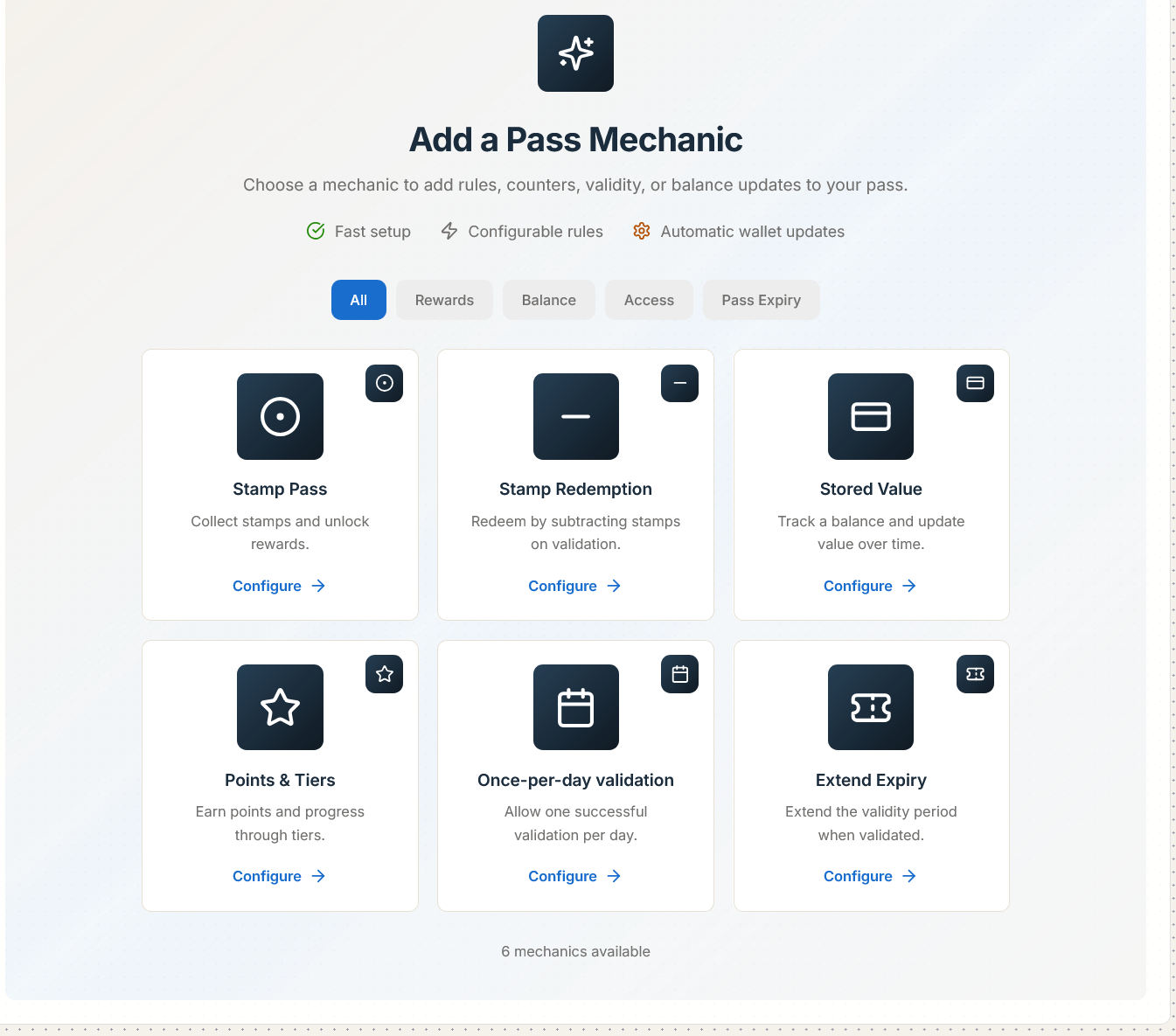
Daily Scan Guardrails (VALID_ONCE_PER_DAY)
To prevent accidental double-punches or checkout abuse, attach the VALID_ONCE_PER_DAY secondary rule:
-
The engine resolves the merchant location's timezone via
resolveCustomerTimeZone. -
If an employee scans the same customer card twice in the same calendar day, the second scan returns an informative warning (
ALREADY_SCANNED_TODAY) without adding an unauthorized second stamp.
Real-Time Lock-Screen Updates
Whenever a stamp is added or redeemed:
-
Passinstance delivers an APNs silent notification to the customer's iPhone.
-
Apple Wallet updates the visual stamp strip and displays a lock-screen alert: "You earned a stamp! You now have 5 of 8 stamps."
-
Google Wallet updates the live card widget and surfaces a notification on Android.
Important: Dynamic stamp card strip images are automatically generated at retina resolutions (@1x, @2x, @3x) by Passinstance's graphics engine, ensuring crystal-clear punch marks on high-density smartphone displays.
Read our complete Digital Stamp Cards overview, explore Restaurants & Cafes, or review the Stamp Collection Rules Guide.